How to Replace Heroku Scheduler When You Move to AWS
Map each Heroku Scheduler job to a scheduled task in your own AWS account, either as an Encore cron job next to the code or as EventBridge Scheduler running an ECS task.

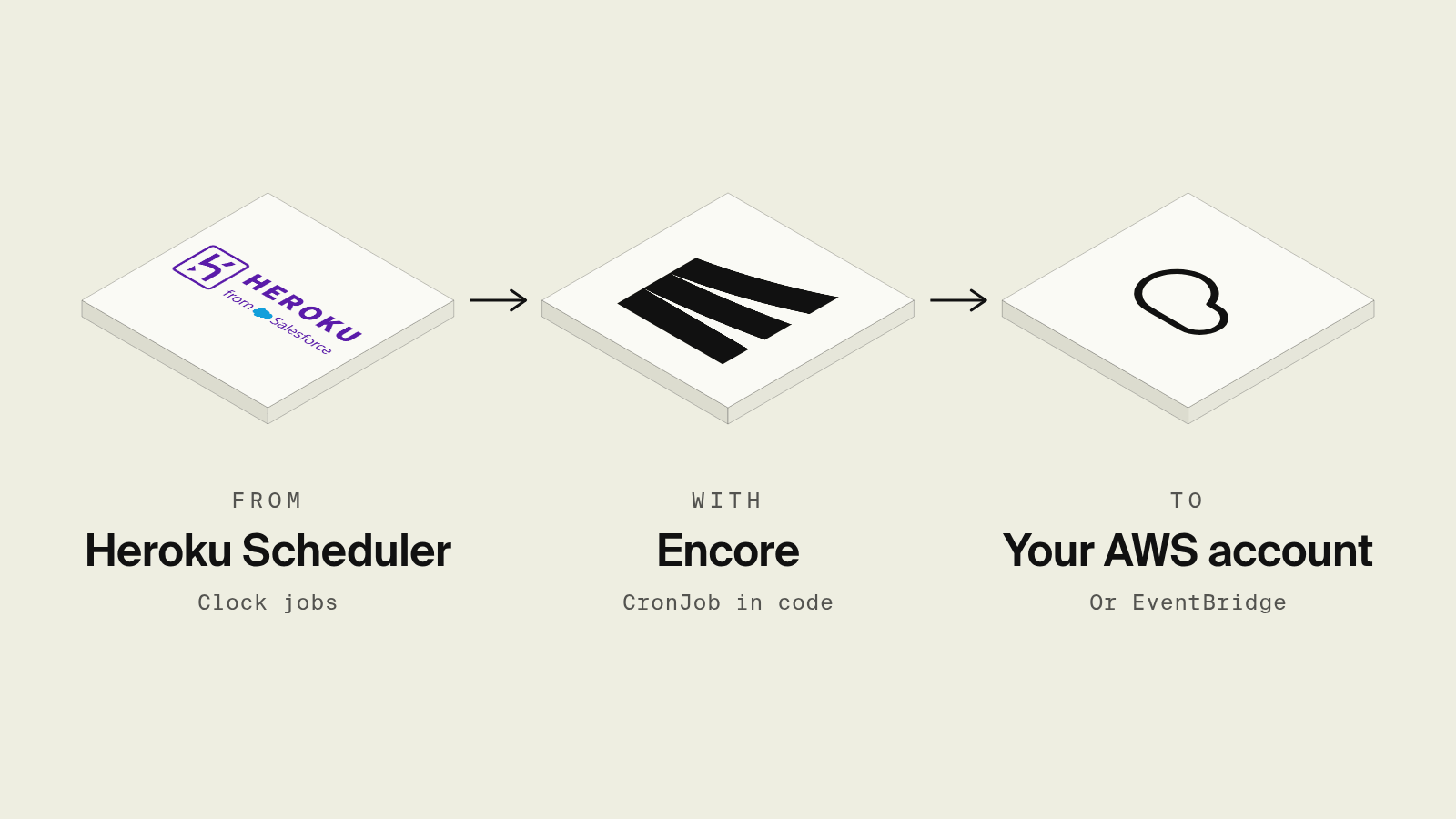
Heroku Scheduler is the add-on most Heroku apps use for nightly cleanups and hourly syncs, and it runs each job as a one-off dyno on a 10-minute, hourly or daily cadence. Heroku's own docs say execution is expected but not guaranteed, a job can occasionally be skipped or run twice, and a dyno is stopped once it outlives its interval, which is why the Scheduler docs on Heroku Dev Center recommend a custom clock process for critical jobs.
When the app moves to AWS, every Scheduler entry needs a new home. This guide shows how to inventory the jobs, make them safe to rerun, and run them either as Encore cron jobs next to the code or as EventBridge Scheduler starting ECS tasks.
Heroku Scheduler replacements at a glance
Step 1: Inventory the Scheduler jobs
heroku addons:open scheduler lists each job's command, frequency and dyno size. Write them down with three extra columns: what the job touches (database tables, external APIs, files), how long it runs today (from heroku logs --ps scheduler), and what happens if it runs twice. A job that sends reminder emails and a job that deletes old sessions look the same in the Scheduler UI and need very different handling when a run repeats.
Step 2: Make each job idempotent
Every option below delivers at least once, the same as Heroku. Rewrite jobs so a second run in the same window changes nothing: delete by a time cutoff rather than "the oldest 1,000 rows", and record sends in a table keyed on the user and the day so a repeat run skips them. Long jobs that Heroku killed at the interval boundary should be split into a short scheduled job that enqueues work for a worker.
Step 3a: Run them as Encore cron jobs

Encore combines an open source infrastructure SDK with a platform that provisions and deploys into your own AWS or GCP account. A Scheduler job becomes an endpoint in the backend and a CronJob declaration that points at it, and the schedule is managed by the Encore platform, so there is no scheduler, task definition or IAM role to create in AWS for it.
Set up the app
Run in your terminal to get started locally.
The Heroku entry rake send_reminders, daily at 00:00 UTC, becomes:
// reminders/reminders.ts
import { api } from "encore.dev/api";
import { CronJob } from "encore.dev/cron";
import { SQLDatabase } from "encore.dev/storage/sqldb";

const db = new SQLDatabase("reminders", { migrations: "./migrations" });

// Claim a pending row first, send, then mark sent. A crash after a successful
// send retries with the same provider idempotency key rather than skipping.
export const sendReminders = api({}, async (): Promise<{ sent: number }> => {
  const due = db.query<{ user_id: number; email: string }>`
    SELECT id AS user_id, email FROM subscriptions
    WHERE renews_on = CURRENT_DATE + 3
  `;
  let sent = 0;
  for await (const row of due) {
    const claimed = await db.queryRow<{ user_id: number }>`
      INSERT INTO reminder_sends (user_id, day, status)
      VALUES (${row.user_id}, CURRENT_DATE, 'pending')
      ON CONFLICT (user_id, day) DO UPDATE SET status = 'pending'
      WHERE reminder_sends.status = 'pending'
      RETURNING user_id
    `;
    if (!claimed) continue;
    // Send with idempotency key `${user_id}:${day}` so a retry cannot double-send.
    // If the provider call fails, the row stays pending for the next run.
    await db.exec`
      UPDATE reminder_sends SET status = 'sent'
      WHERE user_id = ${row.user_id} AND day = CURRENT_DATE AND status = 'pending'
    `;
    sent++;
  }
  return { sent };
});

// Was: Heroku Scheduler, "rake send_reminders", daily at 00:00 UTC.
const _ = new CronJob("send-reminders", {
  title: "Send renewal reminders",
  schedule: "0 0 * * *",
  endpoint: sendReminders,
});
-- reminders/migrations/1_create_tables.up.sql
CREATE TABLE subscriptions (
  id BIGSERIAL PRIMARY KEY,
  email TEXT NOT NULL,
  renews_on DATE NOT NULL
);

CREATE TABLE reminder_sends (
  user_id BIGINT NOT NULL,
  day DATE NOT NULL,
  status TEXT NOT NULL CHECK (status IN ('pending', 'sent')),
  PRIMARY KEY (user_id, day)
);
The unique (user_id, day) row starts as pending and is marked sent only after the provider accepts the message, so a crash mid-send is retried instead of skipped. Use the same key (user_id and day) as the provider idempotency key so a retry after a successful send cannot deliver twice. The endpoint is created with api({}, ...), so it is not exposed publicly, and the cron jobs docs cover cron expressions and intervals such as every: "1h", the replacement for Heroku's hourly cadence. Cron jobs do not run under encore run or in preview environments, so testing a job means calling sendReminders from the local dashboard against the local Postgres and reading the trace. Once deployed, the Cron Jobs page in the Encore dashboard lists each job with its schedule and run history, which replaces digging through scheduler.X dyno logs.
Jobs that need an API key get it from a secret instead of a Heroku config var, and the database, secrets and cron jobs all move in the same deploy as the API. An agent asked to "add a weekly digest like the old Scheduler job" writes one CronJob and one endpoint, and the schedule is part of the diff instead of a setting in a dashboard.
Cron jobs do not run locally or in preview environments, so the endpoint is triggered by hand from the local development dashboard, and each scheduled run in a deployed environment appears as a trace, per the tracing docs.
Best fit: Teams moving a Heroku app to their own AWS account who want each Scheduler entry to become a reviewed piece of code with its history in one dashboard.
Step 3b: Run them with EventBridge Scheduler and ECS
The hand-built AWS equivalent of a one-off dyno is an ECS task started on a schedule. EventBridge Scheduler takes a cron(0 0 * * ? *) or rate(1 hour) expression and calls ecs:RunTask with a task definition that overrides the container command to npm run send-reminders:
resource "aws_scheduler_schedule" "send_reminders" {
  name                = "send-reminders"
  schedule_expression = "cron(0 0 * * ? *)"

  flexible_time_window { mode = "OFF" }

  target {
    arn      = aws_ecs_cluster.app.arn
    role_arn = aws_iam_role.scheduler.arn

    ecs_parameters {
      task_definition_arn = aws_ecs_task_definition.jobs.arn
      launch_type         = "FARGATE"
      network_configuration {
        subnets         = var.private_subnet_ids
        security_groups = [aws_security_group.jobs.id]
      }
    }

    input = jsonencode({
      containerOverrides = [{ name = "app", command = ["npm", "run", "send-reminders"] }]
    })
  }
}
The aws_scheduler_schedule resource docs list the retry and flexible time window options. Each schedule needs a role that EventBridge Scheduler can assume with ecs:RunTask on the task definition and iam:PassRole on the task's execution and task roles, plus a task definition with the database credentials from Secrets Manager. The schedule fires once per expression, the task runs to completion with no interval cutoff, and output goes to CloudWatch Logs. Ten Scheduler jobs become ten schedule resources, and a failed RunTask (for example from a capacity error) shows up only in CloudWatch metrics unless you add a dead-letter queue to the target.
Best fit: Teams that already run ECS from Terraform and want scheduled jobs managed in the same modules.
Step 3c: Keep a clock process
Heroku's own recommendation for critical jobs is a clock process, such as node-cron or sidekiq-cron, in a dedicated always-on container. It moves to AWS as one more ECS service with a desired count of exactly one. It works, and it also means paying for a container that sleeps most of the day and making sure a deploy never runs two copies at once.
Best fit: Apps that already run a clock process on Heroku and want the smallest change.
How to choose
Pick Encore cron jobs when the app is moving to your own AWS account and the jobs should live in the codebase with run history in the same dashboard as the API. Pick EventBridge Scheduler with ECS when the platform team manages ECS in Terraform. Keep a clock process when the app already has one and the move should change as little as possible.
Related guides
Frequently asked questions
What replaces Heroku Scheduler on AWS?
On AWS the usual replacements are EventBridge Scheduler starting an ECS task or a Lambda function on a cron expression, or a scheduler built into your backend framework.
How do I convert a Heroku Scheduler job to an Encore cron job?
Turn the command, such as rake send_reminders, into an endpoint created with api({}, async () => { ... }), then register it with new CronJob("send-reminders", { title: "Send reminders", schedule: "0 0 * * *", endpoint: sendReminders }). Cron jobs do not run under encore run or in preview environments, so call the endpoint directly to test it.
Can Heroku Scheduler jobs run twice?
Yes. Heroku documents that in rare cases a Scheduler job may be skipped or may run twice, and that a job is stopped once it runs longer than its interval. Any replacement should keep jobs idempotent, since AWS schedulers also deliver at least once.
Are Heroku Scheduler times in UTC?
Yes, the next run time for daily Heroku Scheduler jobs is in UTC. EventBridge Scheduler uses UTC unless a schedule sets its own time zone, so a daily 00:00 job keeps the same time after the move.
Deploy to your cloud on AWS and Google Cloud
without managing infrastructure
Encore lets developers and agents define application infrastructure directly in code, then automatically provisions it from local development to production in your AWS or GCP account.
