Getting Started with DevOps Automation
Automate local setup, testing, cloud environments, and releases, one step at a time.


DevOps automation uses software to carry out repeatable work involved in building, testing, deploying, and running applications. A pipeline that tests every pull request is one example. Starting a local database, creating a staging environment, and deploying a release are others.
Automation gives the team a repeatable process for those tasks. A developer can run the project's setup instead of recreating its dependencies by hand, and a release can follow the same steps each time code changes.
We'll also look at how Encore reduces backend setup work by using application declarations for local infrastructure, testing, and deployment to your own AWS or GCP account.
What can you automate in DevOps?
A project can use several of these tools together. A pipeline might run tests, build an image, and call the deployment service. The DevOps automation tools comparison explains their different roles.
1. Make local setup repeatable
A new developer needs to run the application and its dependencies. When setup depends on a collection of individual instructions, differences in database versions, configuration, or test data can make the application behave differently across machines.
The project can define that setup in versioned configuration. Docker Compose starts services such as a database and a message broker from a Compose file. An application framework can also provide local resources from declarations in the code; Encore uses this approach for backend development.
Test data is part of the setup too. Seed scripts or test fixtures let developers recreate the records needed to exercise the application. Tests can then run from a known starting state rather than depend on data left behind by earlier runs.
2. Run tests for proposed changes
Once tests run locally, a CI pipeline can execute them when code changes. The pipeline checks out the repository, installs dependencies, and runs the project's test command. A failed job gives the developer the command output alongside the change.
For a Node.js project, this minimal GitLab pipeline runs the test script:
image: node:22

stages:
  - test

test:
  stage: test
  script:
    - npm ci
    - npm test
The repository needs a committed package-lock.json and an npm test script that finishes after the test run. Integration tests also need their database or other dependencies configured in the job. Pipeline rules determine whether jobs run for branch pushes, merge requests, or other events.
Tests can cover application behavior as well as individual functions. A backend test might create a record through a service and retrieve it from the database. Keeping test resources separate from production allows those checks to run for every proposed change.
3. Automate environment creation
A staging environment needs the application's resources and configuration before it can run. Repeating console setup for each environment can lead to missing permissions or a service pointing to the wrong database.
Infrastructure-as-code tools describe resources in versioned configuration. Terraform produces a plan of proposed changes and applies them to the target environment. Environment-specific values select settings such as capacity and region.
Application platforms can create resources from the backend's own declarations. The environment supplies deployment settings while the code describes the services and resources needed. This connects infrastructure changes to the application version being tested or released.
Secrets are supplied separately. Credentials and external API keys can be set through a secrets service or deployment platform rather than copied into the repository.
4. Release through a deployment workflow
A release process builds a version of the application and deploys it to the selected environment. The build can produce a container image or another versioned artifact, with the commit recorded so the team can identify the running code.
Staging can receive changes automatically. Production can use the same workflow with an approval step, or deploy automatically after the required checks pass. Both approaches remove hand-run release commands; the approval determines when production changes proceed.
Database migrations and background workers also affect releases. A schema change needs to remain compatible with any old instances running during rollout. Workers need to finish or safely retry in-flight work when a deployment replaces them.
The cloud deployment guide explains the steps from building code to routing traffic to the new version.
5. Add security checks to the pipeline
Dependency and container scans can run as jobs alongside tests. Trivy, for example, scans supported images and repositories for security findings. Results appear during development, when the developer can update the dependency or configuration in the same change.
A scan can report findings or block a release based on a configured policy. Exceptions need to be recorded so a known finding does not require a new decision on every run. Scanning released artifacts again can also identify vulnerabilities discovered after the original build.
6. Monitor the application after release
Monitoring collects evidence of how the application behaves once it is running. Metrics can track request errors, latency, and background processing. Logs and traces help explain which operation failed.
Prometheus collects metrics and evaluates alert rules. Alertmanager groups and routes notifications, so related failures do not each need a separate message to an operator.
Some recovery actions can also be automated. A runtime can replace a failed process, and a queue can redeliver work that was not acknowledged. The application needs to handle retries safely, especially for operations such as payments or sending notifications.
Where should you start?
Start with a task that regularly interrupts development. If a new developer spends a day configuring dependencies, automate local setup. If releases require a sequence of commands, put those commands into a versioned deployment workflow. If tests are run inconsistently, add them to CI.
The first version can be small. A test job does not need a complete deployment pipeline, and a repeatable staging deployment does not need to release automatically to production. Add steps as the team has a working process for them.
Automating backend development and deployment with Encore
Encore makes it easier to automate the work around a backend, from starting its local database to deploying it in your own cloud account. Developers declare services and resources in application code, and those declarations are used for local infrastructure and cloud provisioning.
This reduces the separate setup needed for each database, bucket, or Pub/Sub topic. The platform creates the cloud resources and configures their service connections and permissions as part of deployment. A backend change and the infrastructure it needs can follow the same review and release workflow.
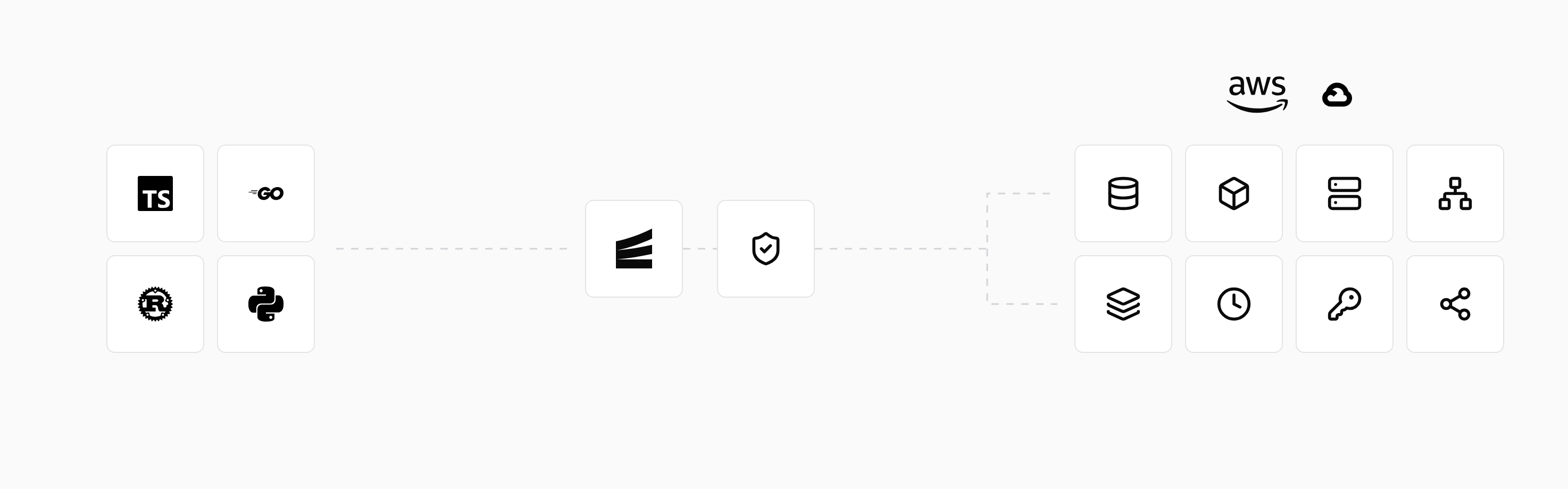
During development, encore run starts the application and its local resources. For TypeScript applications, encore test prepares the test infrastructure and invokes the project's configured test runner. The testing guide covers the setup; local PostgreSQL requires Docker.
Preview environments let the team test a proposed change as a running backend. For production, connect AWS or GCP and configure the deployment environment. Later code and resource changes use the same managed deployment process, with production running in your account.
Run in your terminal to get started locally.
Related guides
Frequently asked questions
Does DevOps automation replace a DevOps team?
Automation performs repeatable tasks. People still design the workflow, write and review application changes, and investigate problems that need judgment. A team can automate more of its routine work without making every production decision automatic.
Deploy to your cloud on AWS and Google Cloud
without managing infrastructure
Encore lets developers and agents define application infrastructure directly in code, then automatically provisions it from local development to production in your AWS or GCP account.
