The Best Continuous Deployment Tools in 2026
Compare pipeline tools, Kubernetes GitOps, and managed application deployments.


Continuous deployment tools release application changes after they pass the required checks. Some execute a pipeline of build and deployment commands. Others synchronize Kubernetes configuration from Git or provide a managed workflow that builds and deploys the application.
If your application already runs on Kubernetes, a GitOps controller can deploy changes from Git. If you're moving a backend to AWS, you may also need a tool that provisions its databases, queues, and storage.
Continuous deployment tools at a glance
These tools can work together. A CI workflow can build an image, then update the version that a GitOps controller deploys. A managed application platform can supply both the build and deployment process.
Continuous delivery vs continuous deployment
Continuous delivery keeps an application ready to release after it passes the required checks. Production commonly has an approval step. Continuous deployment releases automatically after those checks pass.
The same tool can support either approach. A staging environment can deploy automatically while production waits for approval. Infrastructure changes can also have their own review requirements.
1. Encore
With Encore, your team can automate backend releases without writing a separate provisioning workflow for each database, queue, or storage bucket. The platform builds the application, provisions the infrastructure it declares, and deploys the services in your cloud account.
Developers declare resources alongside the application code that uses them. The platform derives the resource connections and permissions, so a service and its infrastructure changes can be reviewed and deployed together. The declarations also provide local resources for development.
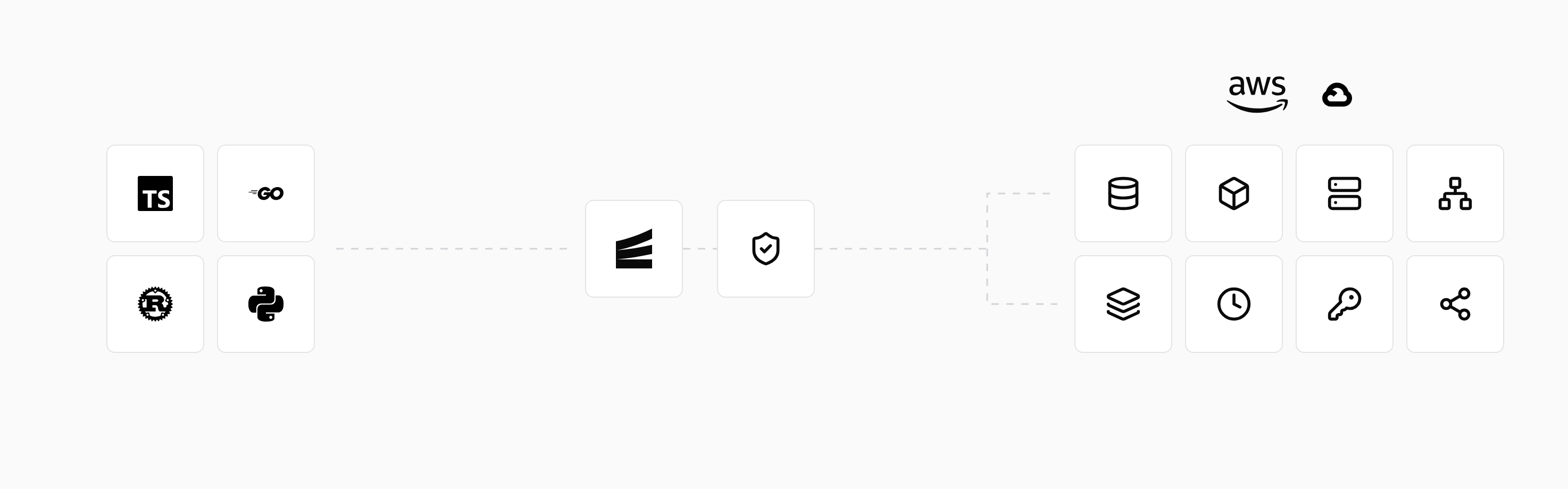
A connected GitHub repository can trigger deployment from an environment's configured branch. The deployment workflow builds and tests the backend before provisioning and release. Production can run in your own AWS or GCP account.
Environment settings control deployment triggers and infrastructure approvals. Teams can automate code releases while requiring approval for infrastructure changes. Preview environments provide a running backend for testing proposed changes before release.
2. GitHub Actions
GitHub Actions runs jobs in response to repository activity, schedules, and manual triggers. A workflow can test an application, build an image, and invoke the commands or APIs that deploy it. Deployment jobs can use environments with their own secrets and protection rules, depending on the repository and plan.
The workflow is stored alongside the application, so release changes can be reviewed with code changes. Hosted runners provide an execution environment, while self-hosted runners can reach infrastructure or use software managed by the team.
The deployment behavior comes from the workflow and the services it calls. For example, a job can publish an image and update a container service to run that version. Actions provides the job execution and integrations; the target service performs the rollout.
3. GitLab CI/CD
GitLab CI/CD runs jobs defined in .gitlab-ci.yml, with runners executing build, test, and deployment commands. Environments and deployment records connect those jobs to the application versions released from the repository.
Jobs can pass a built artifact through tests and into staging or production. Pipeline stages, dependencies, and approval controls determine how the release progresses. The runner can be hosted or operated by the team.
Deployment jobs call the commands, APIs, or scripts for the application's hosting environment. Those jobs can release to a cloud service or update a Kubernetes deployment.
4. Argo CD
Argo CD deploys Kubernetes configuration from Git. It compares the desired resources with the cluster, shows differences, and synchronizes changes manually or automatically. The desired configuration can use manifests, Helm, or Kustomize.
A typical workflow uses CI to build an image, then updates the image reference in Git. Argo CD applies that configuration to Kubernetes. Its interface shows application resources and their health, connecting the reviewed configuration to what is running.
Automatic synchronization, deletion of removed resources, and correction of live drift are separate settings. Argo CD operates within an existing Kubernetes deployment setup; image builds run elsewhere.
5. Flux
Flux provides Kubernetes controllers for fetching sources and applying configuration. Its controllers work with Kustomize and Helm, and optional image automation can update image references in Git.
A team can configure the controllers needed for its deployment workflow. Repository changes are reconciled into the cluster, with dependencies and health checks helping coordinate resources. Flux can manage applications across multiple clusters through their configuration.
Like Argo CD, Flux handles deployment reconciliation after an image has been built. The application still needs Kubernetes manifests or other supported configuration describing what should run.
6. Harness
Harness provides delivery pipelines that connect application artifacts, deployment targets, and release stages. Pipelines can include approvals, rollout strategies, and verification using monitoring data.
Services and environments organize the release configuration. A team can define a deployment process and reuse it across services, with connectors granting access to the target systems. This can centralize release controls for applications deployed across several environments.
Harness operates the delivery platform, while the team configures its application stages, infrastructure connections, and checks. Available deployment and verification features depend on the product configuration and plan.
7. Spinnaker
Spinnaker is a delivery platform for releases across supported clouds and Kubernetes. Pipelines can deploy application versions through a series of stages, including validation and approval steps.
Its deployment strategies and provider integrations support workflows that span environments. Teams configure the application, artifacts, target infrastructure, and pipeline stages within Spinnaker.
Spinnaker is commonly self-hosted, so the deployment platform itself becomes part of the team's infrastructure. Its services and integrations are maintained alongside the delivery pipelines.
8. Railway
Railway combines application hosting with deployment from a connected repository or container image. A project contains the application's services, with configuration for their build and start commands, variables, and connections.
A repository change can build and release a service without a separate pipeline that configures servers. Web services and workers can run as separate services within the project.
The standard offering runs on Railway's infrastructure, with the application's hosting and deployment settings managed through the project.
9. Cloud-provider deployment services
AWS CodePipeline orchestrates stages and actions for building, testing, and deploying software. It integrates with AWS and other supported services, allowing a pipeline to pass an artifact through the configured release process.
Google Cloud Deploy manages delivery to supported targets such as Cloud Run and GKE. A release progresses through targets in a delivery pipeline, with rollout and approval controls. Application builds are supplied by the surrounding build workflow.
These services connect delivery to the cloud provider's access controls and deployment targets. Supporting resources, such as databases and networking, are provisioned through other cloud services or infrastructure tooling.
Choosing a deployment workflow
For a repository with an established hosting target, a CI pipeline can automate the release commands already used by the team. Kubernetes applications can use Argo CD or Flux to keep the running configuration synchronized with Git.
For a backend moving to AWS or GCP, deployment also includes getting its resources connected and ready to use. A platform that handles that provisioning can reduce the work needed before automated releases are possible.
The broader DevOps automation tools guide covers local environments, infrastructure, configuration, security, and monitoring as well as deployment.
Run in your terminal to get started locally.
Related guides
Frequently asked questions
Can I use continuous deployment with a database?
Yes. The release process needs to account for schema changes and compatibility with application versions running during rollout. Deploying an earlier application version does not reverse a database migration, so recovery depends on the changes made to both.
Deploy to your cloud on AWS and Google Cloud
without managing infrastructure
Encore lets developers and agents define application infrastructure directly in code, then automatically provisions it from local development to production in your AWS or GCP account.
