The Best Cloud Hosting Platforms in 2026
Compare eight platforms for hosting web applications, APIs, and background workers.


A cloud hosting platform runs your application and provides a way to deploy updates. Some platforms take a repository and handle the build and runtime. Others give you cloud services to assemble into a hosting environment, with more choice over the infrastructure behind the application.
This guide compares eight platforms for web applications, APIs, and background workers. The table summarizes how applications are deployed, where they run, and how databases and storage fit into each platform.
The best cloud hosting platforms at a glance
1. Encore
With Encore, your team can host a backend on AWS or GCP without first building its own provisioning and deployment system. The platform builds and deploys the application and creates its declared infrastructure in your cloud account.
Developers declare databases, storage buckets, and Pub/Sub topics in application code. Those declarations tell the platform which resources to provision and which services need access. On AWS, that can include RDS, S3, SNS and SQS, with services running on compute such as ECS Fargate.
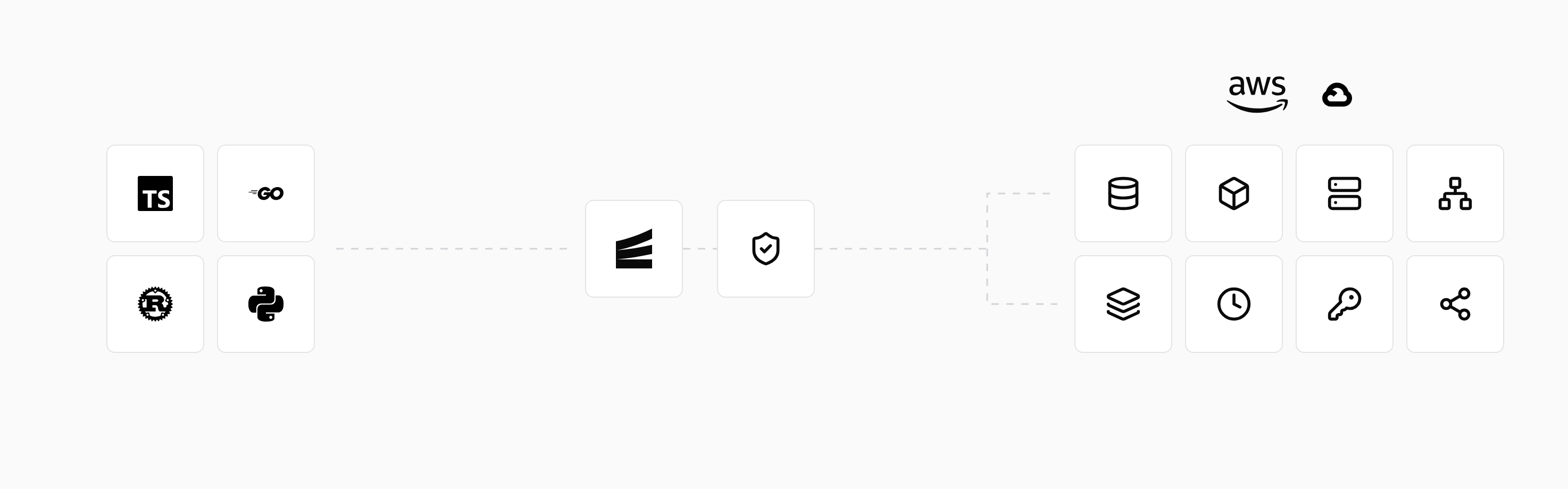
The declarations also provide local infrastructure when developers run the application with encore run. Preview environments give the team a place to test changes before release, with resources derived from the same application model. This reduces the separate setup needed to develop and deploy the backend.
An existing application adopts Encore's APIs and resource declarations to use the workflow. Once it does, later releases and infrastructure changes go through the same deployment process. The cloud connection guide explains how to deploy in your own account.
2. AWS
AWS offers several ways to host an application. EC2 provides virtual machines, ECS Fargate runs containers without managing their hosts, and Lambda runs functions in response to requests and events. RDS, S3, and SQS provide managed database, storage, and queue services around the application.
A team can select the services it needs and configure them in its own AWS account. A containerized backend might run on Fargate, connect to Postgres in RDS, and store uploaded files in S3. Access between those services is controlled through networking and IAM permissions.
AWS offers extensive infrastructure choices, including specialized compute and networking. Deploying directly involves selecting and connecting those services and setting up the application's release process. That setup can be automated with infrastructure tooling or managed through an application platform.
3. Google Cloud
Google Cloud Run runs containerized applications without requiring the team to maintain the underlying servers. Services handle requests, jobs run tasks to completion, and worker pools support continuous background processing. Cloud SQL, Pub/Sub, and Cloud Storage supply database, messaging, and file storage services.
A backend can use Cloud Run for its application processes and connect to those resources within a GCP project. The runtime offers deployment revisions and traffic controls for releasing changes. Its workload types accommodate both request-serving applications and work that runs outside an HTTP request.
4. Microsoft Azure
Azure App Service hosts web applications and APIs, while Azure Container Apps runs containerized services and jobs. Both provide managed hosting without requiring the team to operate the application hosts. Azure also offers VMs and Kubernetes for deployments that use those infrastructure models.
An application can connect to Azure Database for PostgreSQL, Service Bus, and Azure storage services. Organizations already using Microsoft Entra ID and Azure networking can integrate their hosted applications with that existing environment.
5. Render
Render deploys applications from a repository or container image. Its service types include public web services, private services, background workers, and scheduled jobs. Managed Postgres can provide the database alongside those application processes.
A web application and its worker can be deployed as separate services with their own commands and resource settings. Render handles the hosting workflow, including builds and deployment, so developers can release without setting up cloud servers themselves.
Production runs within Render's environment. Regions, scaling features, and database options come from the service plans offered by the platform.
6. Railway
Railway organizes an application into services within a project. A service can deploy from a repository or container image, with configuration variables connecting it to other parts of the application. A project can contain a web service, a worker, and a database.
The project view brings those components into one deployment interface. A worker can use its own start command while sharing application code with the web service. Persistent volumes support services that need data to survive container replacement.
Database templates deploy database software within the project. Volumes store its data, and volume backups provide recovery options. The database runs as one of the project's services, with its own resource settings and update requirements.
7. Fly.io
Fly.io runs container images on lightweight VMs called Machines. Applications can run in selected regions, with control over machine sizes, process groups, and scaling configuration. This can suit services that need a container deployment with more direct control over where their processes run.
A team can place application instances close to users in different regions. Database placement still affects response time: an application that makes several database calls per request also needs a suitably located database.
Persistent volumes attach to Machines for workloads that need local data, and Fly.io also offers Managed Postgres. Applications using volumes directly handle replication through their chosen database or storage setup.
8. Vercel
Vercel provides frontend hosting, preview deployments, web delivery, and server-side functions. It integrates closely with web frameworks, including Next.js, and builds a deployment when changes are pushed to a connected repository.
It can host a frontend that calls a separate backend or a web application whose server-side work runs within its function model. Database and storage integrations connect the application to additional services.
Functions handle work within their supported execution model and duration limits. A persistent queue consumer needs a runtime suited to that process; it can run on a backend platform while the frontend stays on Vercel.
Which platform should you choose?
For a frontend-heavy application, framework support and web delivery may guide the decision. A backend with persistent workers and a database also needs hosting for those processes and resources.
Account ownership can narrow the choice. AWS, GCP, and Azure host resources in your organization's account, and Encore provides a managed backend workflow within AWS or GCP. The standard hosted offerings from Render, Railway, Fly.io, and Vercel run in provider-controlled environments.
Cost includes the resources surrounding the application. Databases, storage, outgoing traffic, and separate test environments can add more than the smallest web-service plan suggests. Compare the deployment you intend to run, including its background processing and data, when estimating the bill.
Run in your terminal to get started locally.
Related guides
Frequently asked questions
Can I move an application between cloud hosting platforms?
Often, but moving the application code is only part of the move. Database contents, stored files, secrets, and deployment configuration also need to transfer. A container image can simplify packaging without making those other parts automatically portable.
Deploy to your cloud on AWS and Google Cloud
without managing infrastructure
Encore lets developers and agents define application infrastructure directly in code, then automatically provisions it from local development to production in your AWS or GCP account.
