Replace Docker Compose and Terraform: Express, Postgres and Redis in Production
How to run an Express app with Postgres and Redis in production without Docker Compose, ranked from infrastructure declared in code to ECS, a single VM and Kubernetes.

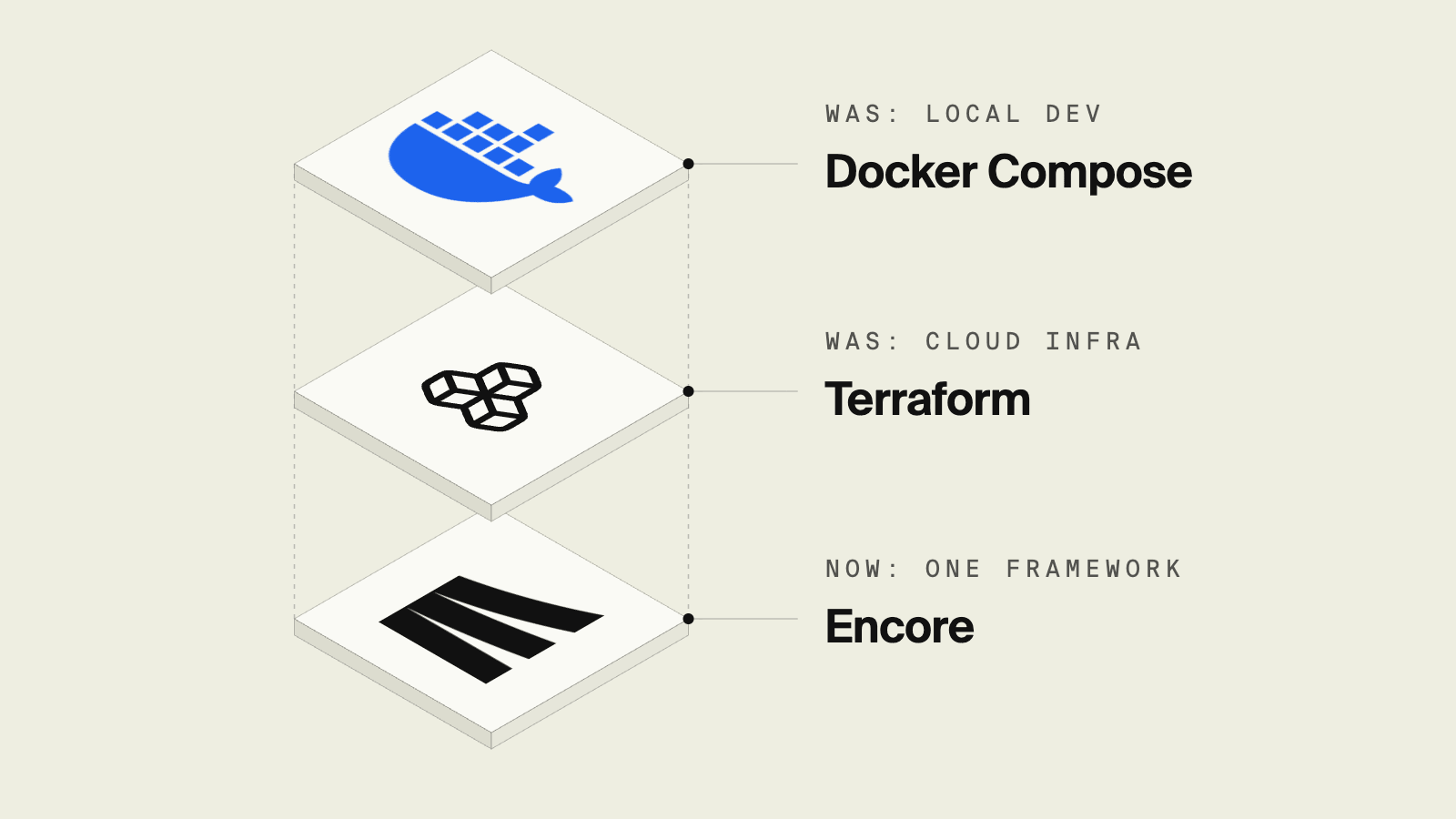
To run an Express app with Postgres and Redis in production without Docker Compose, move Postgres and Redis to managed services and keep only the app in a container; the shortest way to get there without Terraform is Encore, which works alongside your Express router, lets you declare the database and the cache in TypeScript, replaces docker compose up with encore run locally, and provisions Amazon RDS and ElastiCache in your own AWS account on deploy. If you want to do it with AWS tools, run the Express container on ECS Fargate and create RDS and ElastiCache yourself. Running everything with docker run on one VM works, but you become the database administrator for that VM.
Ask a coding agent to set up a TypeScript backend and you get the same stack almost every time: Express, a Dockerfile, a docker-compose.yml with Postgres and Redis for local development, and Terraform modules for production. The Compose file is fine on a laptop, which leaves two questions: what replaces it when the app goes to production, and whether the Terraform has to come with it.
What are the ways to run Express, Postgres and Redis in production without Docker Compose?
Options 3 and 4 are the same architecture with or without a YAML file: one host running the app and both databases. Options 1 and 2 split the stateless app from the stateful services, which is the part that matters in production.
Why not run Postgres and Redis as containers in production?
A Postgres container with a volume works until something happens to the volume or the host. Then you need backups you have tested, point-in-time recovery, a plan for the next major version upgrade, monitoring for disk growth and a way to fail over. Redis is less critical when it is a cache, but if sessions or rate limits live there, a restart that drops every key is an outage of its own. Amazon RDS and ElastiCache take those jobs off your list, and the app container becomes something you can replace at any time.
How do you keep Express and drop Docker Compose with Encore?

Encore works alongside your Express app. Following the Express migration guide, the existing router is mounted in a raw catch-all endpoint, so every route keeps working, and the database and the cache become declarations in TypeScript:
// shop/infra.ts (encore.dev 1.58)
import { CacheCluster, StructKeyspace, expireIn } from "encore.dev/storage/cache";
import { SQLDatabase } from "encore.dev/storage/sqldb";

// Postgres: Docker locally, Amazon RDS on AWS, Cloud SQL on GCP.
export const db = new SQLDatabase("shop", { migrations: "./migrations" });

// Redis: in-memory locally, ElastiCache on AWS, Memorystore on GCP.
const cache = new CacheCluster("shop", { evictionPolicy: "allkeys-lru" });

export interface Product {
  id: number;
  name: string;
  priceCents: number;
}

export const productCache = new StructKeyspace<{ id: number }, Product>(cache, {
  keyPattern: "product/:id",
  defaultExpiry: expireIn(5 * 60 * 1000), // 5 minutes
});
The Express app reads through the cache and invalidates it on writes:
// shop/app.ts (encore.dev 1.58, express 5.3)
import { api, RawRequest, RawResponse } from "encore.dev/api";
import { secret } from "encore.dev/config";
import { createHmac, timingSafeEqual } from "node:crypto";
import express, { request, response, type NextFunction, type Request, type Response } from "express";
import { db, productCache, type Product } from "./infra";

const sessionKey = secret("SessionKey");

// Tokens are "<user id>.<unix expiry>.<hex HMAC of id.expiry>", issued by your login flow.
function catalogUser(req: Request): string | undefined {
  const token = String(req.headers.authorization ?? "").replace(/^Bearer\s+/i, "");
  const parts = token.split(".");
  if (parts.length !== 3) return;
  const [id, expStr, sig] = parts;
  const exp = Number(expStr);
  if (!id || !Number.isFinite(exp) || exp <= Math.floor(Date.now() / 1000)) return;
  const want = createHmac("sha256", sessionKey()).update(`${id}.${expStr}`).digest("hex");
  const a = Buffer.from(sig);
  const b = Buffer.from(want);
  if (a.length !== b.length || !timingSafeEqual(a, b)) return;
  return id;
}

function requireCatalogAuth(req: Request, res: Response, next: NextFunction) {
  if (!catalogUser(req)) {
    res.status(401).json({ error: "unauthenticated" });
    return;
  }
  next();
}

// Lets Express handle Encore's raw request and response objects.
Object.setPrototypeOf(request, RawRequest.prototype);
Object.setPrototypeOf(response, RawResponse.prototype);

const app = express();
app.use(express.json());

app.get("/products/:id", async (req, res) => {
  const id = Number(req.params.id);
  if (!Number.isInteger(id) || id <= 0) {
    res.status(400).json({ error: "invalid id" });
    return;
  }

  const cached = await productCache.get({ id });
  if (cached) {
    res.json(cached);
    return;
  }

  const product = await db.queryRow<Product>`
    SELECT id, name, price_cents AS "priceCents" FROM products WHERE id = ${id}`;
  if (!product) {
    res.status(404).json({ error: "not found" });
    return;
  }
  await productCache.set({ id }, product);
  res.json(product);
});

app.put("/products/:id/price", requireCatalogAuth, async (req, res) => {
  const id = Number(req.params.id);
  const priceCents = Number(req.body?.priceCents);
  if (!Number.isInteger(id) || !Number.isInteger(priceCents) || priceCents < 0) {
    res.status(400).json({ error: "invalid id or price" });
    return;
  }
  const product = await db.queryRow<Product>`
    UPDATE products SET price_cents = ${priceCents} WHERE id = ${id}
    RETURNING id, name, price_cents AS "priceCents"`;
  if (!product) {
    res.status(404).json({ error: "not found" });
    return;
  }
  // Drop the cached copy so the next read sees the new price.
  await productCache.delete({ id });
  res.json(product);
});

// Every route the Express app knows, served by Encore.
export const expressApp = api.raw(
  { expose: true, method: "*", path: "/!rest" },
  app,
);
The app has no DATABASE_URL or REDIS_URL to pass around. Locally, encore run starts a Postgres database in Docker, applies the migrations and runs an in-memory Redis, so you still need Docker on your machine but no Compose file. On deploy to your AWS account, Encore provisions RDS for the database and ElastiCache for the cache, runs the app on Fargate or EKS behind a load balancer in a VPC per environment, and injects credentials from Secrets Manager.
From there, you can move routes from Express to typed Encore endpoints one at a time, which adds request validation from TypeScript types and tracing per endpoint. The forklift setup is the starting point, not the end state: with every request going through the catch-all handler, tracing sees one endpoint instead of your individual routes.
Run in your terminal to get started locally.
What does the stack look like before and after?
The AWS resources are of the same kind in both columns: Fargate, RDS, ElastiCache, a load balancer and IAM roles in your account. What changes is who writes and maintains their configuration, and whether it can drift from the code that depends on it.
How do you run it by hand on AWS?

Without Encore, the production shape is the same and you build it:
- Image. A multi-stage Dockerfile that runs
nodeas a non-root user, pushed to ECR. - Postgres. An RDS for PostgreSQL instance in private subnets with an RDS-managed master password in Secrets Manager. RDS for PostgreSQL 15 and later requires SSL by default, so configure
pgwith TLS and the RDS CA bundle. - Redis. An ElastiCache cache in the same VPC. With in-transit encryption on, clients connect with
rediss://. - Service. An ECS Fargate service, through ECS Express Mode or your own task definition, service and load balancer, with the database password injected from Secrets Manager through the task definition's
secretsblock. - Network rules. Security groups that allow 5432 and 6379 from the service only.
- Migrations. A one-off task or CI step that runs them before the new version takes traffic.
Each of those is a Terraform module or a console session, and each new environment repeats them. For a team with someone who owns the AWS account, that is a normal amount of work. For a team that wanted to stop maintaining a Compose file, it trades one YAML file for several hundred lines of HCL.
Is docker run on one VM enough?
For a prototype or an internal tool, often yes. Create a Docker network, start Postgres with a named volume, start Redis, and start the app with --restart unless-stopped so it comes back after a reboot (Docker docs). It is the same architecture as Docker Compose on one server, without the file.
The VM is now also a database server: schedule pg_dump to somewhere off the host and test a restore, pin image versions, patch the OS, and accept that a host failure takes down the app and both databases together.
What changes when AI coding agents work on the code?
In a Compose and Terraform project, a feature that needs a new queue or cache touches the application code, the Compose file, a Terraform module and the CI pipeline, and each change needs its own review. With infrastructure declared in code, the same feature is one diff: a new CacheCluster or new Topic next to the handler that uses it, reviewed with the code, and provisioned by Encore in your own cloud on deploy. That makes it the safe way for AI agents to ship backend changes to your cloud: the agent changes code that goes through review. Encore provisions an IAM role for the service.
How do you migrate an existing Compose and Terraform stack?
You do not have to move everything at once. The incremental migration guide starts with one service: mount the Express router as above, declare the database, copy the data across with pg_dump and pg_restore, and retire the Terraform for each resource once the Encore-provisioned one is serving traffic. The Terraform migration guide covers the Terraform side. If you need to run the result outside Encore's deploys, encore build docker produces a standard image, and you supply the infrastructure configuration yourself.
Which option should you pick?
- Encore if you want managed Postgres and Redis in your own AWS or GCP account, declared in the app code, and you are happy to keep Express while you migrate routes.
- ECS Fargate with RDS and ElastiCache if someone on the team owns the AWS setup and wants to control every resource.
docker runor Compose on one server for prototypes and internal tools where a single host is acceptable.- Kubernetes with Helm if your organization already runs clusters and has people to maintain them.
Verdict. Dropping Docker Compose is the easy part, and the decision that matters is who runs Postgres and Redis. Encore ranks first because it answers that from the code: the database and the cache are declarations next to the Express routes, encore run covers local development, and a deploy provisions RDS and ElastiCache in an AWS account you own.
Related reading
- How to Deploy a Docker Compose App to AWS in 2026
- How to Deploy to AWS Without Terraform
- Encore vs Terraform vs AWS CDK vs Pulumi vs SST
- Do You Need Terraform?
- Terraform Alternatives
- Migrating from Terraform
- How to Deploy a Docker Compose App to Google Cloud
- Docker Compose Alternatives for Local Development
Frequently asked questions
How do I run an Express app with Postgres and Redis in production without Docker Compose?
Run Postgres and Redis as managed services, not as containers next to the app. With Encore, you keep the Express router behind a raw catch-all endpoint, declare the Postgres database and the Redis cache in TypeScript, and a deploy provisions Amazon RDS and ElastiCache plus the container service in your own AWS account. By hand, you run the Express container on ECS Fargate and create RDS and ElastiCache yourself, with Terraform or the console.
Is it OK to use Docker Compose in production?
On a single server, yes. Docker documents running Compose in production on one host with a production override file. The limits are the host itself: one machine to patch, back up and keep running, and databases whose backups, upgrades and failover are your job.
Should Postgres run in a container in production?
It can, but then you own backups, point-in-time recovery, major version upgrades, disk sizing and failover. A managed service such as Amazon RDS handles those, and the options ranked here keep the app in containers and the database outside them.
Deploy to your cloud on AWS and Google Cloud
without managing infrastructure
Encore lets developers and agents define application infrastructure directly in code, then automatically provisions it from local development to production in your AWS or GCP account.
