How to Migrate Render Postgres to Amazon RDS
Move a Render Postgres database into Amazon RDS in your own AWS account with pg_dump and pg_restore, a short write freeze and a checked cutover, then point the app at it from Encore or a hand-built RDS setup.

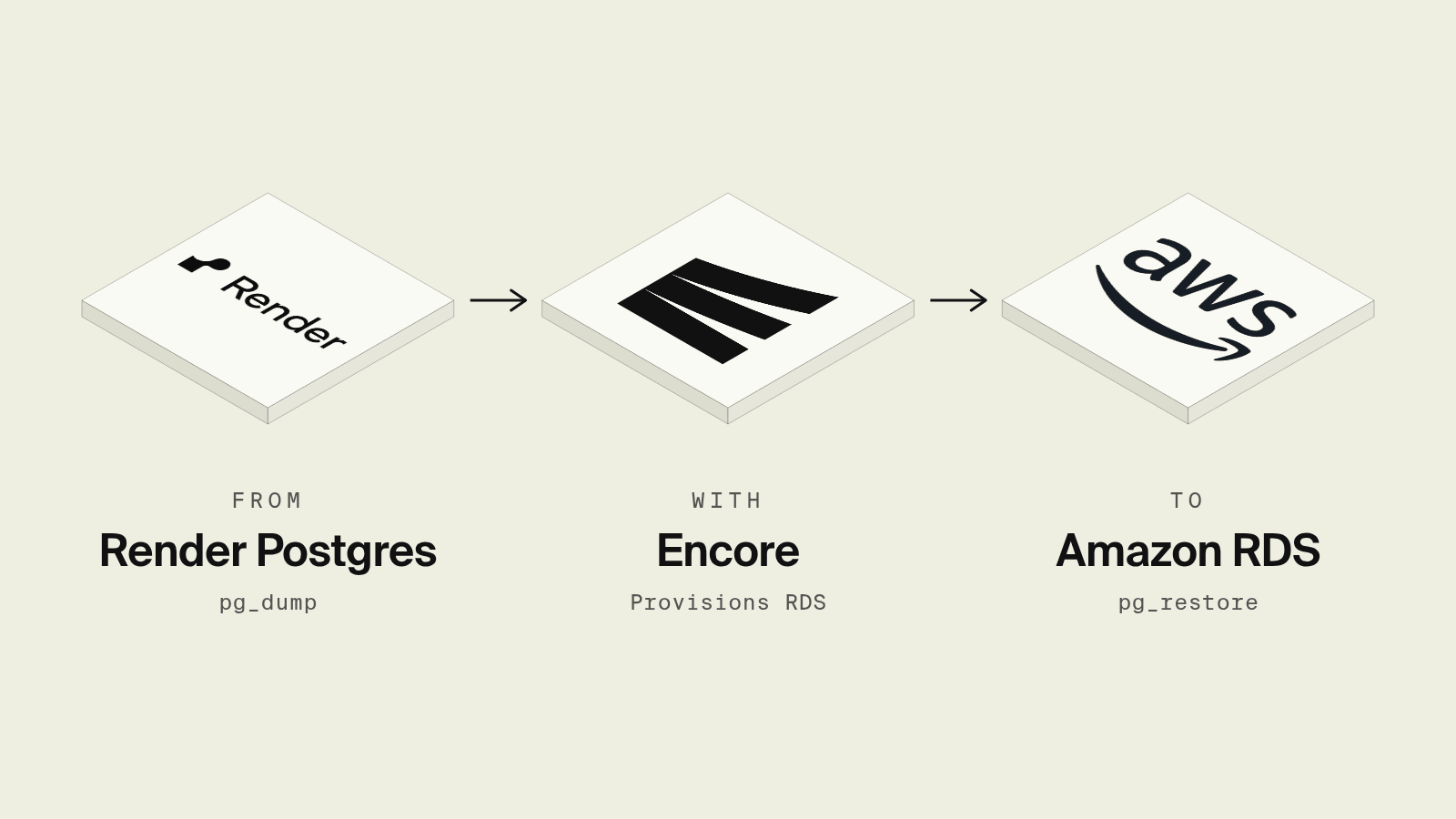
Render Postgres is the database often added next to their first Render web service, and it stays easy until the app needs something outside Render: a worker that reads SQS, a data pipeline that wants a private connection, or an AWS credit balance that the Render invoice cannot use. Moving the data is the smaller part of the job, since the database also needs a new home with private networking, backups and a way for the app and CI to reach it.
This guide walks through moving a Render Postgres database into Amazon RDS in your own AWS account with standard Postgres tools, then covers two ways to stand up the RDS side: with Encore, which provisions RDS from the database declared in your code, and by hand.
The migration at a glance
Step 1: Check the Render database
Render shows an internal and an external connection URL on the database's page in the dashboard, and the external one only accepts connections from IPs listed under the database's access control, as described in Render's Postgres docs. Add your machine's IP and record three things before you create the target:
SELECT version();
SELECT extname, extversion FROM pg_extension;
SELECT pg_size_pretty(pg_database_size(current_database()));
The RDS major version should match or exceed the Render one, and every extension in the list has to be supported on RDS for PostgreSQL, which covers common ones such as pgcrypto, uuid-ossp, pg_trgm and vector. The size tells you how long the write freeze will last.
Step 2: Create the RDS target with Encore

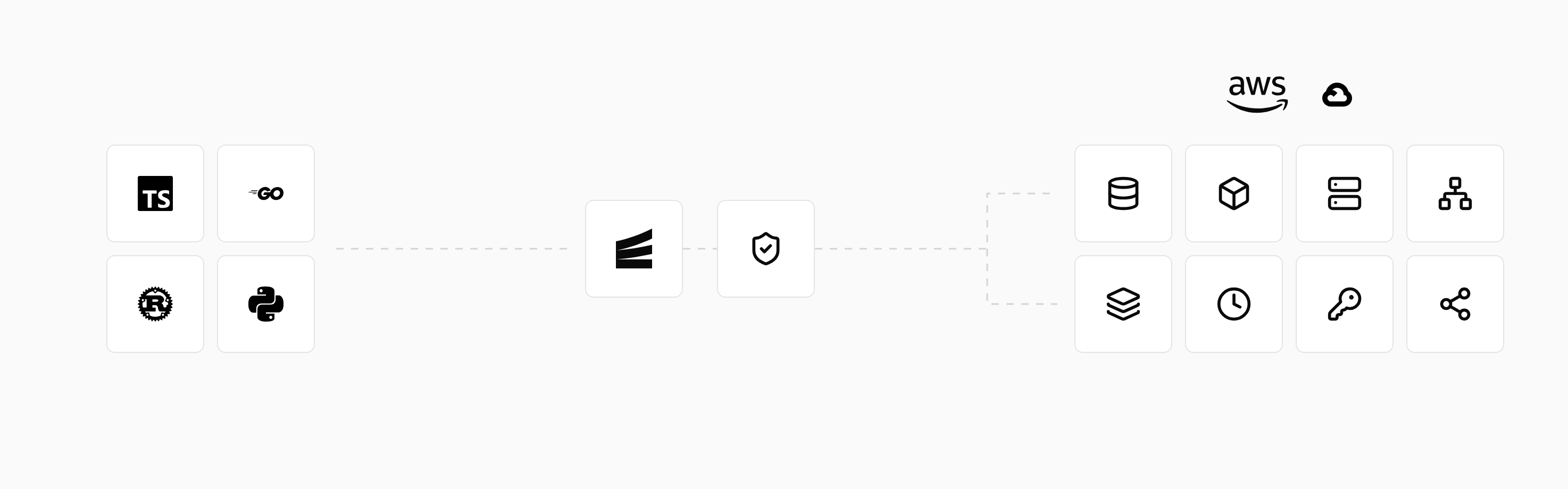
Encore combines an open source infrastructure SDK with a platform that provisions and deploys into your own AWS or GCP account. The database the Render app used becomes a declaration in the backend code, and deploying it to an AWS environment creates an RDS for PostgreSQL instance in private subnets, encrypted at rest, with backups and a database role for each service that uses it, as listed in the AWS infrastructure docs.
Set up the app
Run in your terminal to get started locally.
Start the migrations folder with a bootstrap migration taken from the Render schema, the approach the import docs describe for existing databases, so every new environment gets the same tables from scratch:
Review the file and remove anything Render-specific, such as CREATE EXTENSION lines for extensions you no longer use. The service then declares the database where the queries live:
// orders/orders.ts
import { api, APIError } from "encore.dev/api";
import { SQLDatabase } from "encore.dev/storage/sqldb";

// Postgres locally with `encore run`, Amazon RDS when deployed to AWS.
const db = new SQLDatabase("app", { migrations: "./migrations" });

interface Order {
  id: number;
  status: string;
}

export const get = api(
  { expose: true, method: "GET", path: "/orders/:id" },
  async ({ id }: { id: number }): Promise<Order> => {
    const row = await db.queryRow<Order>`
      SELECT id, status FROM orders WHERE id = ${id}
    `;
    if (!row) throw APIError.notFound("order not found");
    return row;
  },
);
After the first deploy to a production environment on AWS, the RDS instance exists with the bootstrap schema applied, and it is not reachable from the internet. The Encore CLI opens a local proxy to it, and encore db conn-uri prints a temporary connection string for the restore in Step 3. Both commands default to a read-only connection, so the --write flag is required for pg_restore to insert rows:
Both commands are covered in the database CLI docs, and later schema changes are applied as numbered migration files on each deploy. Locally, encore run starts Postgres with the bootstrap schema applied, so every developer works against the same tables as production instead of the shared Render instance, with seed data or a trimmed dump loaded by pg_restore. A coding agent working in the repo can then add a column with a migration file and test it against that local copy before it touches RDS.
Production SQL databases created this way have deletion protection enabled at the AWS level, per the infrastructure management docs, and every query is visible in the local development dashboard while you test the cutover.
Best fit: Teams leaving Render who want the database to land in RDS in their own AWS account, provisioned from the code that queries it, with the API, workers and cron jobs moving with it.
Step 2 (alternative): Create the RDS target by hand
Without Encore, the target is an aws_db_instance or a console-created instance with a DB subnet group across two private subnets, a security group that accepts 5432 only from the app's security group, a parameter group for the major version, and the master password in Secrets Manager. The instance is private, so the restore in Step 3 has to run from inside the VPC, for example from a small EC2 instance or an SSM Session Manager port forward, and the app's task role needs secretsmanager:GetSecretValue on the credentials. The RDS with Terraform guide covers that configuration in detail.
Best fit: Teams whose AWS account already has a VPC and RDS modules owned by a platform team.
Step 3: Rehearse the dump and restore
Run the full copy once while Render keeps serving traffic. The schema already exists on RDS from the bootstrap migration, so the dump only needs the data. --format=custom produces a compressed archive that pg_restore can load in parallel, and --no-owner --no-acl drops Render's role names, which do not exist on RDS:
$RDS_URL is the connection string from encore db conn-uri with the proxy running, or the instance endpoint when you built RDS by hand and restored the full schema and data instead of data only. Use a pg_dump client at least as new as the Render server version, and note how long both commands take, since the sum is roughly the write freeze. A data-only dump of tables with circular foreign keys produces a warning from pg_dump, and those constraints need to be dropped and re-added around the restore. The pg_dump documentation lists every flag. Empty the tables with TRUNCATE ... RESTART IDENTITY CASCADE before the final run.
Steps 4 to 6: Freeze, final copy and verify
Stop writes on Render, either with a maintenance page or by scaling the web service and any background workers or cron jobs to zero, so no row changes after the dump starts. Run the same dump and restore, then compare the two sides:
-- Run on both databases and diff the output.
SELECT relname, n_live_tup
FROM pg_stat_user_tables
ORDER BY relname;
n_live_tup is an estimate, so for the tables that matter run an exact SELECT count(*). pg_dump carries sequence values across, and it is worth checking that SELECT last_value FROM orders_id_seq; matches on both sides, since a sequence behind the data is what produces duplicate key errors on the first insert after cutover.
Step 7: Cut over
With Encore, the app already reads from the RDS database on its next deploy, so cutting over means deploying the services that replace the Render ones and moving DNS to the Encore environment's endpoint. With a hand-built setup, update DATABASE_URL on the app to the RDS endpoint and restart. Keep the Render database for a few days in read-only use as a fallback, then delete it once the RDS backups have run.
Related guides
Frequently asked questions
How do I migrate a Render Postgres database to Amazon RDS?
Allow your machine's IP in the Render database's access control, run pg_dump --format=custom --no-owner --no-acl against the external database URL, then run pg_restore --no-owner --jobs=4 into an RDS instance with the same or newer Postgres major version. Stop writes before the final dump, compare row counts per table, and switch the app's connection to RDS.
How do I restore a Render dump into an Encore database on AWS?
Declare the database in code with new SQLDatabase("app", { migrations: "./migrations" }) and deploy once so Encore creates the RDS instance. Then run encore db proxy --env=production --write, take the connection string from encore db conn-uri app --env=production --write, and run pg_restore against it from your machine.
How long does a Render to RDS migration take?
The write freeze lasts as long as one dump and restore of the final data. A few gigabytes typically dumps and restores in minutes with --format=custom and --jobs, so most small apps migrate in a single maintenance window without replication.
Do I need the same Postgres version on RDS as on Render?
The RDS major version should be equal to or newer than the Render version, because pg_restore does not reliably load a dump into an older server. Check the source with SELECT version(); before creating the target.
Deploy to your cloud on AWS and Google Cloud
without managing infrastructure
Encore lets developers and agents define application infrastructure directly in code, then automatically provisions it from local development to production in your AWS or GCP account.
