What Is an Enterprise Application Platform?
How shared runtimes, deployment tools, and integrations support business applications.


An enterprise application platform provides shared software for building and running business applications. Development teams use its runtimes, deployment tools, and connections to data and identity systems instead of setting up that environment separately for every project.
We'll also look at how Encore gives backend teams a shared development and deployment workflow in their own AWS or GCP account, using application code to provision the infrastructure each project needs.
What does an enterprise application platform provide?
The platform establishes a common setup for projects using it. A new application can use an existing deployment process and supported runtime, with the organization's chosen identity and operational tools already available. The platform team maintains that setup as the underlying services change.
How does it support a business application?
An employee-facing application often needs to sign users in through the organization's identity provider and read or update information held by another business system. Its runtime executes the application code, while configured credentials and network connections let it reach the systems it uses.
The application's own database records its state. Messaging can move longer-running work out of an interactive request, so the user receives a response while a worker continues processing. The platform supplies or connects the infrastructure used by those services.
The runtime and database requirements vary between applications. An existing Java application may need access to an enterprise database, while a new backend uses managed Postgres.
Deployment and environments
A deployment workflow takes a code revision, builds the application, and releases it into an environment. Environment configuration supplies the resource connections and credentials needed there. Development and production can use the same application code with different data and capacity settings.
A platform can make that workflow available through a repository action, CLI, or dashboard. Developers follow the same release process across projects, while permissions determine which environments they can change. A team can allow developers to deploy review environments and reserve production changes for a smaller group.
Release records connect a deployed version to its source revision. When an issue appears after a change, developers can find the relevant release and inspect its logs and traces. The platform's deployment tools also provide the mechanism for releasing a fix or returning to a previous application version.
Connecting to existing systems
Enterprise applications often work alongside systems that are already in use. A platform can provide the runtime and connectivity for an application that calls an existing ERP or customer-management API. Integration services may also handle message delivery, data exchange, or transformations between systems.
Identity is part of those connections. Employees sign in as users, while background services authenticate as applications. Configured secrets and service identities let the running application authenticate those calls.
Those connections continue to need maintenance as APIs, certificates, and network settings change. Some organizations handle them through a shared integration team; others maintain the integration code with the application that uses it.
Examples and approaches
Enterprise application platforms cover several kinds of software. A Kubernetes-based platform such as OpenShift provides a runtime and tooling for containerized applications. Azure App Service offers managed hosting for web applications and APIs. SAP Business Technology Platform includes application and integration services used with business systems.
An organization can also build an internal developer platform around its existing application infrastructure. That platform provides developers with the workflows for using the selected runtimes and cloud services. A developer portal can bring those workflows and service information into one interface.
Encore provides another approach for backend services: the application declares its resource requirements in code, and the platform uses those declarations for local development and cloud deployment. It provisions the resources in your own cloud account, giving projects a common deployment workflow without separate infrastructure definitions for every supported resource.
What is involved in adopting a platform?
For an existing application, adoption involves connecting its build, runtime, and dependencies to the new environment. Database access, application secrets, and calls to other systems need the configuration used in the destination. The migration work depends on how closely the application already matches the platform's supported setup.
New projects can start with that setup from the beginning. The platform supplies the development and release workflow, and teams add application code within it. Documentation and templates help developers use the configuration maintained by the platform team.
Costs include the platform fee, application infrastructure, and maintenance. With a managed service, the provider operates the runtime and deployment tools covered by the service. With an internally operated platform, your team maintains them.
Backend development and deployment with Encore
With Encore, backend services declare the databases, Pub/Sub topics, and other supported resources they use in application code. The platform provisions those resources and connects them to the application in your AWS or GCP account.
Teams use a managed deployment workflow across projects. Environment configuration controls how an application runs, while the resource declarations stay with its code. A declared database can become managed Postgres in RDS or Cloud SQL, with its service access configured during provisioning.
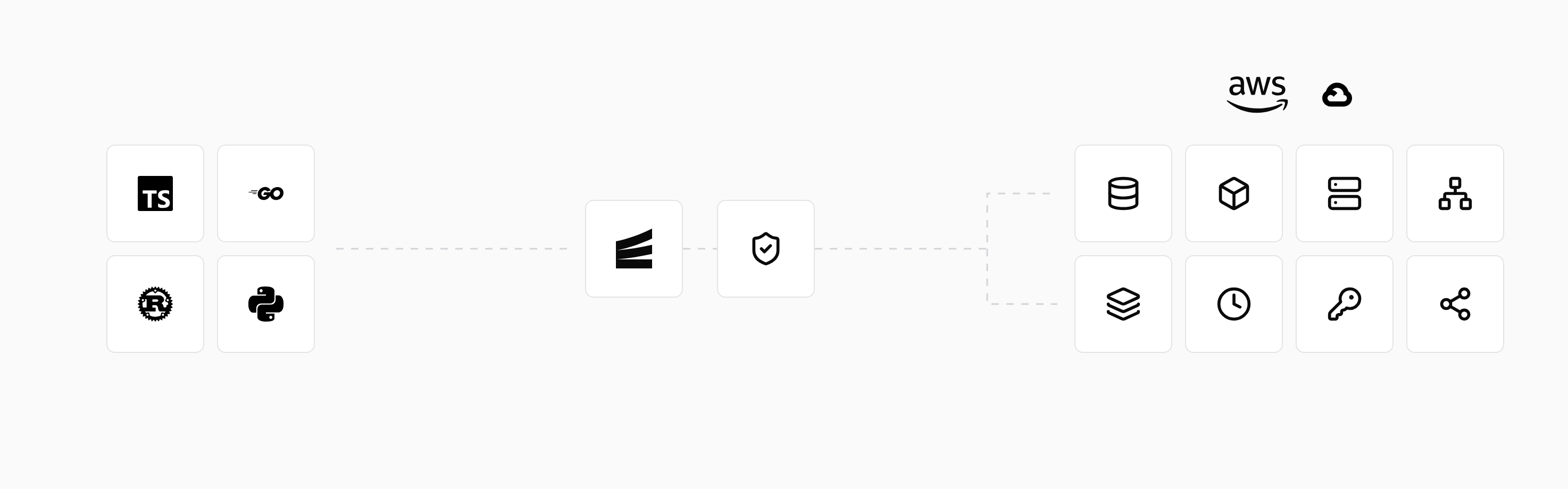
The local development workflow starts local versions of those resources with encore run. Developers can work on a service and its infrastructure changes together, then use preview environments to review the deployed application.
The managed platform provides logs, metrics, and tracing across the application's services. Deployment permissions control access to the platform's operations, while the cloud account and provisioned resources remain under your organization's ownership.
Run in your terminal to get started locally.
Related guides
Frequently asked questions
Is an enterprise application platform the same as an ERP?
No. An ERP is a business application for functions such as finance or purchasing. An application platform provides the runtime and development capabilities used to build and run software, including applications that connect to an ERP.
Can an organization use more than one application platform?
Yes. Existing systems and new projects can use different platforms according to their runtime and integration needs. Shared identity, deployment practices, and operational tools help teams work across those environments.
Deploy to your cloud on AWS and Google Cloud
without managing infrastructure
Encore lets developers and agents define application infrastructure directly in code, then automatically provisions it from local development to production in your AWS or GCP account.
