What Is a Developer Portal?
How developer portals help teams find services, documentation, and deployment workflows.


An internal developer portal gives engineers a place to find the services their organization runs and the information needed to work on them. A service page can bring together its repository, API documentation, owner, and deployment links, so developers can find them without asking around.
Some portals also let developers create a service or request an environment from the same interface. The portal connects those actions to the tools the organization uses for provisioning and deployment. This article focuses on internal portals for engineering teams; public API portals serve developers using a company's external APIs.
We'll also look at how Encore generates a service catalog and architecture view from application code, alongside the workflow for developing and deploying the backend in your own AWS or GCP account.
What does a developer portal provide?
A portal collects this information from repositories, deployment tools, team directories, and other integrations. Some facts, such as a team's contact details, come from maintained records. Others, such as the latest deployed revision, come from the system performing the deployment.
What appears on a service page?
A page for an orders service might show its API endpoints, repository, production URL, and the team responsible for it. Developers working on another part of the application can use that page to understand how to call the service or where to report a problem.
The dependency view adds information about the systems the service uses. For orders, that could include its database and a topic used to notify fulfillment. Deployment links take the developer to the relevant environment, while observability links open its logs or traces.
These integrations keep information that changes with each release connected to the service page. The portal can fetch a deployment revision from the deployment system instead of requiring someone to edit a catalog entry after every release.
How do self-service actions work?
A self-service action lets a developer start an operation from the portal. A "Create environment" action can accept a branch name, pass it to the deployment system, and display the resulting environment URL when the deployment finishes.
The team maintaining the action configures what developers can request and which system performs the work. That can include the allowed environment types, access permissions, and any approvals needed before the action runs.
For a new service, a template can create a repository with the team's preferred structure and build configuration. The developer starts with the project setup that the platform team maintains.
The portal displays these options and their progress. The connected deployment or infrastructure tools create the resources, apply changes, and report results back to it.
Developer portal vs internal developer platform
An internal developer platform provides the workflows and infrastructure developers use to build and run applications. The portal is an interface to those capabilities. It can show a deployment action while the platform handles the build, resource provisioning, and release behind it.
A platform can also expose those operations through a CLI or repository workflow. Developers may request infrastructure by changing application code, then see the result in a dashboard. A separate portal is one way to bring that experience together, rather than a required starting point for every platform.
How are portals built?
Backstage is an open source framework for building a developer portal. It includes a software catalog, documentation tooling, templates, and plugins. A platform team hosts the portal and connects it to the systems used by the organization.
Managed portal products provide the hosted interface and integrations with less portal software for the team to maintain. They also need connections to the organization's source control, deployment, and operational tools to populate service pages and run actions.
The ongoing work includes maintaining those integrations as teams and tools change. A new deployment system needs to publish its results to the portal; a new service needs a way to appear in the catalog. Automating that information flow keeps the catalog current as the application changes.
Service discovery with Encore
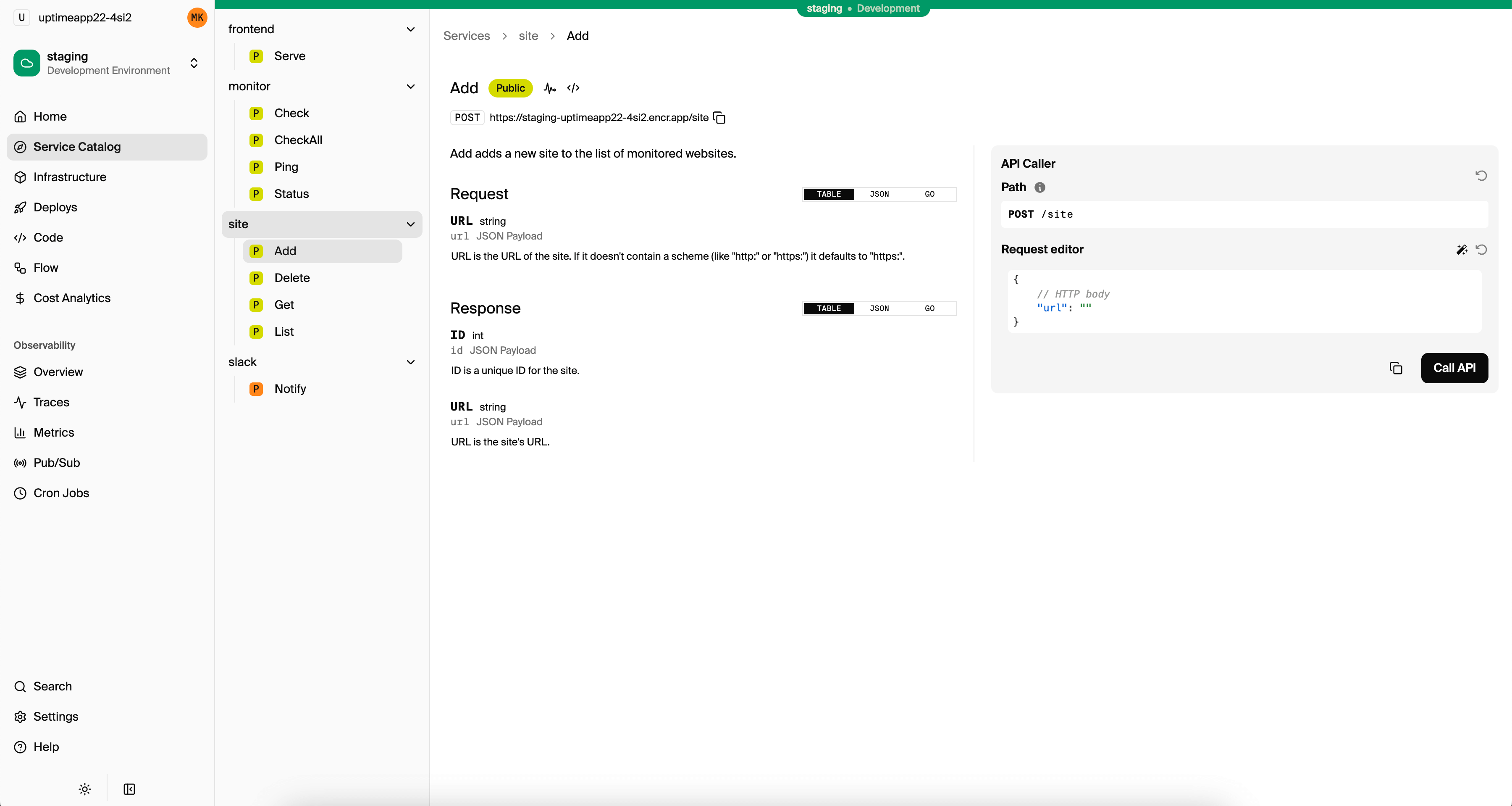
With Encore, services and their resource dependencies are described in application code. The development tools read those declarations to produce a service catalog, API documentation, and an architecture diagram. Adding a resource or changing a service connection updates the application model used by those views.
Developers can inspect a service's endpoints and dependencies in the dashboard, then follow requests through tracing. The same model drives infrastructure provisioning and deployment, so the information shown to developers comes from the application they are working on.
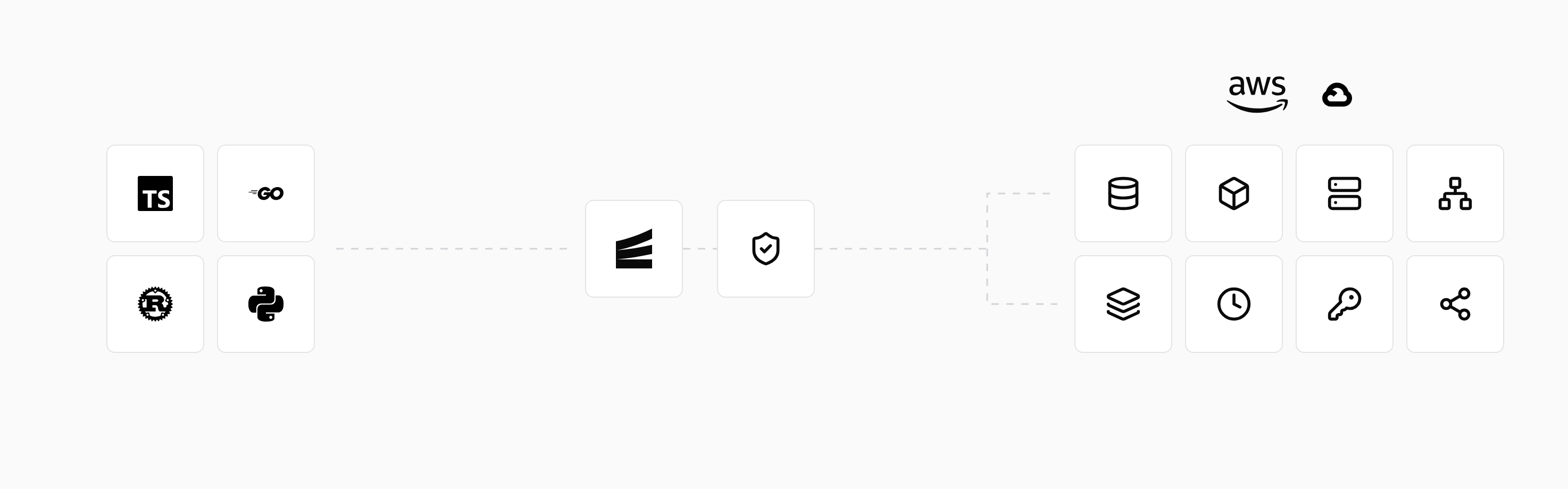
The service catalog provides a reference for the services and APIs in an Encore application. Developers can use the local dashboard while building the backend and the managed platform to inspect deployed environments in their own AWS or GCP account.
Preview environments also make a pull request available as a running application. Reviewers can try the change and inspect its behavior alongside the source being reviewed.
Run in your terminal to get started locally.
Related guides
Frequently asked questions
Can a developer portal include services deployed through different systems?
Yes. Catalog integrations can collect information from different repositories, deployment systems, and infrastructure tools. The services shown depend on the integrations and metadata connected to the portal.
Can teams keep documentation in their repositories?
Yes. A portal can display or link to version-controlled documentation alongside the service it describes. That lets the documentation be updated with the code while remaining discoverable from the catalog.
Deploy to your cloud on AWS and Google Cloud
without managing infrastructure
Encore lets developers and agents define application infrastructure directly in code, then automatically provisions it from local development to production in your AWS or GCP account.
