The Best Developer Productivity Tools in 2026
Tools for editing code, running local services, testing changes, and deploying backends.


Developer productivity tools help with the work involved in changing and running software. An editor makes it easier to navigate and debug code. Local development tools start the systems an application depends on, and deployment tools get a tested change into a running environment.
We'll also look at how Encore handles local infrastructure and cloud deployments from application code, giving developers a managed way to build and run backends in their own AWS or GCP account.
Developer productivity tools compared
VS Code
VS Code brings code navigation, language support, debugging, and source control into an editor. Developers can move from a function call to its definition, inspect types, and run a debugger against the application they are changing.
Workspace settings and extensions adapt it to a project. A team can share formatting and tooling configuration through the repository, so developers use the project's conventions when they open it. The integrated terminal and task support also put build and test commands alongside the code.
GitHub Copilot
GitHub Copilot provides code suggestions and answers questions about a codebase. It can help developers understand unfamiliar functions, draft tests, or prepare changes from a task description. Its agent capabilities can also work through repository tasks and run tools as part of that work.
Developers review the generated diff and run the project's tests before accepting a change.
Docker Compose
Docker Compose defines a set of containers and how they run together. A development setup can include the application, Postgres, and other dependencies in a Compose file, with configured ports, volumes, and environment variables.
A developer starts that setup with docker compose up. The checked-in configuration gives the team a shared description of its local services, which can be updated as the application adds dependencies. Project-specific initialization, such as database migrations or seed data, can be included in the startup workflow.
GitHub Actions
GitHub Actions runs workflows triggered by events such as a push or pull request. A workflow defines the jobs and steps used to build the application, run tests, or invoke deployment tooling. Results appear with the repository change, where developers and reviewers can see them.
Jobs can run in parallel when they are independent, and dependencies between jobs determine the order of later work. Teams can also reuse workflows across repositories so each project uses the same build or release process without maintaining a separate copy of every step.
OpenTelemetry
OpenTelemetry provides APIs, SDKs, and tools for collecting application telemetry. Instrumentation records operations such as incoming requests and calls to downstream services. Trace context lets those operations be connected across process boundaries.
That information helps a developer follow a request through the application when investigating slow or failed behavior. A trace can show which service handled a call and how much time was spent on its downstream operations. Metrics describe behavior over time, while logs provide details about individual events.
OpenTelemetry sends telemetry to a backend where it can be stored and inspected. Teams use it with an observability system that provides the queries, dashboards, and retention they need.
How these tools work together
A change can move through several of these tools. The editor and coding assistant support the implementation. Local resources let the developer run it, CI checks it in the repository workflow, and a preview environment makes it available for review.
When tests fail or the deployed behavior is unexpected, logs and traces provide information about what happened inside the running application. Developers can use that information while making the next change, without manually reproducing every request across separate systems.
Backend development and deployment with Encore
Encore takes care of infrastructure setup that would otherwise sit alongside backend development. Services declare their databases, Pub/Sub topics, and other supported resources in application code. Running encore run starts the application and local versions of those resources.
A developer can add a database and work with it locally through the same codebase as the feature that needs it. The local dashboard provides API documentation, a database explorer, and traces for inspecting the application while it runs.
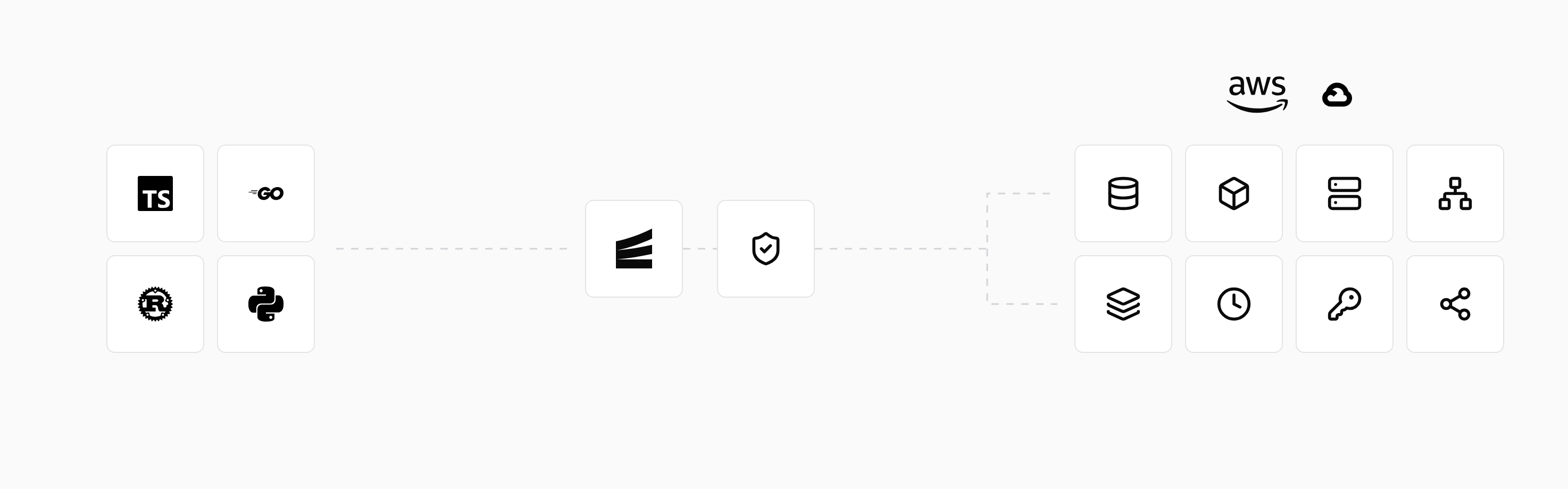
When the application is deployed, the managed platform provisions the declared resources in your own AWS or GCP account and connects them to the services that use them. The deployment workflow handles the build and infrastructure changes together.
Preview environments give reviewers a deployed version of a pull request. Developers can use the same application declarations from local development through review and production, with logs and tracing available for investigating behavior.
Run in your terminal to get started locally.
Related guides
Frequently asked questions
Does an application need to be deployed to test its infrastructure locally?
Not always. Encore runs local versions of the resources declared by the application with encore run. Docker Compose can also start a configured set of local containers. The available services depend on the application's setup.
Deploy to your cloud on AWS and Google Cloud
without managing infrastructure
Encore lets developers and agents define application infrastructure directly in code, then automatically provisions it from local development to production in your AWS or GCP account.
