Terraform Providers: An Introduction
A look at advantages, risks, and challenges


When it comes to managing infrastructure as code, Terraform stands as a notable tool among developers and operations teams alike. A core concept in Terraform that enables its wide-ranging functionality is the use of Providers. Terraform Providers act as the bridge between Terraform and the various services it manages, translating the HashiCorp Configuration Language (HCL) code into API calls to create, read, update, and delete resources.
Terraform Providers: Connecting to Your Infrastructure
A Terraform Provider is essentially a plugin that Terraform installs and runs to manage resources. Each provider plugin is responsible for understanding API interactions and exposing resources for a particular platform or service, such as AWS, Azure, Google Cloud, or even third-party services like GitHub and Datadog.
You specify the required providers in your Terraform configuration file. For example, to use AWS, you would include something like:
terraform {
  required_providers {
    aws = {
      source  = "hashicorp/aws"
      version = "~> 6.0"
    }
  }
}
This code block tells Terraform to use the AWS provider from HashiCorp's registry, with any 6.x version at or above 6.0.
Understanding Provider Blocks
Once you've declared the required providers, you need to configure them using provider blocks. Here's how you would do it for AWS:
provider "aws" {
  region = "us-west-2"
}
In this case, the region attribute is specific to the AWS provider. Each provider has its own set of configurable attributes, which are detailed in the respective provider's documentation.
A complete working example
The configuration below declares the AWS provider with a version constraint, configures it, and creates one resource. Save it as main.tf in an empty directory.
terraform {
  required_version = ">= 1.5.0"

  required_providers {
    aws = {
      source  = "hashicorp/aws"
      version = "~> 6.0"
    }
    random = {
      source  = "hashicorp/random"
      version = "~> 3.6"
    }
  }
}

provider "aws" {
  region = "us-east-1"
}

resource "random_id" "suffix" {
  byte_length = 4
}

resource "aws_s3_bucket" "example" {
  bucket = "provider-example-${random_id.suffix.hex}"
}
Then run:
terraform init    # downloads the providers and writes .terraform.lock.hcl
terraform plan
terraform apply
A few details worth knowing:
sourceis the registry address in the formnamespace/type.hashicorp/awsis short forregistry.terraform.io/hashicorp/aws.versionis a constraint, not an exact version.~> 6.0allows any 6.x release but not 7.0.~> 3.6allows 3.6 and later 3.x releases. Use= 6.2.0to pin one exact version.required_versionconstrains the Terraform CLI itself, which is separate from provider versions.
The dependency lock file
terraform init records the exact provider versions it selected, plus checksums, in .terraform.lock.hcl:
provider "registry.terraform.io/hashicorp/aws" {
  version     = "6.2.0"
  constraints = "~> 6.0"
  hashes = [
    "h1:...",
  ]
}
Commit this file to version control. Every later terraform init, on your machine or in CI, installs the same versions until you upgrade on purpose. To move to newer versions that still match your constraints, run:
terraform init -upgrade
If your team runs Terraform on more than one operating system or CPU architecture, add checksums for each platform so the lock file verifies everywhere:
terraform providers lock -platform=linux_amd64 -platform=darwin_arm64
Provider aliases: multiple regions or accounts
A provider block without an alias is the default configuration. Add more configurations of the same provider with alias, then select one per resource or module with the provider meta-argument:
provider "aws" {
  region = "us-east-1"
}

provider "aws" {
  alias  = "eu"
  region = "eu-west-1"
}

resource "aws_s3_bucket" "us_logs" {
  bucket = "example-us-logs"
}

resource "aws_s3_bucket" "eu_logs" {
  provider = aws.eu
  bucket   = "example-eu-logs"
}
The same pattern works for multiple AWS accounts, for example by giving the aliased block an assume_role setting. To pass an aliased provider into a module, use the providers argument on the module block:
module "eu_stack" {
  source = "./modules/stack"
  providers = {
    aws = aws.eu
  }
}
Common provider errors
Failed to query available provider packages. Terraform could not find a provider version that matches your constraints, or could not reach the registry. Check the source address for typos, check that the version constraint matches a published release, and check network or proxy access to the registry. If a module requires a different major version than your root configuration, the constraints conflict and you need to align them.
Inconsistent dependency lock file. The configuration asks for a provider or version that .terraform.lock.hcl does not match, often after someone edits required_providers. Run terraform init -upgrade and commit the updated lock file.
Provider configuration not present. A resource in state was created with a provider configuration, often an aliased one, that has since been removed from the code. Add the provider block back, apply the removal of those resources, and then delete the provider block.
Unsupported argument after an upgrade. Major provider releases rename or remove arguments. Read the provider's upgrade guide in the registry docs before raising the major version in your constraint.
For other errors, see Terraform resource already exists and Terraform state lock errors.
Built-in vs. Third-Party Providers
Terraform maintains a collection of officially-supported providers. These providers cover a wide range of popular platforms and services, including the big three cloud providers (AWS, Azure, and GCP), and other services like Kubernetes, Docker, and more.
Beyond the officially-supported providers, the Terraform community has built numerous third-party providers that extend Terraform's capabilities to lesser-known or niche platforms.
Challenges with Terraform Providers
While Terraform Providers are powerful, they're not without their challenges:
Undocumented resources: Many Terraform providers have lacking documentation and only showcase simple examples, making production-ready use cases hard to reason about. This can in some cases lead to unknown security issues.
Understanding the provider's API: Each provider encapsulates the API of the service it interfaces with. As a result, using a provider effectively requires an understanding of that service's API and the specific way the provider implements it.
Keeping providers up-to-date: Providers must be kept up-to-date with the services they interface with. This can become a challenge when managing providers across large, distributed codebases. This is one area where alternative tools like the Encore platform simplifies, by providing an always up-to-date interface for the services enabled via the Backend Framework.
Cross-provider dependencies: Handling dependencies between resources managed by different providers can be complex.
Terraform Providers offer a flexible way to manage a vast range of resources across different platforms and services. Understanding them is key to leveraging the power of Terraform. Despite their challenges, they remain a cornerstone of many DevOps practices for teams using Terraform.
Encore as an alternative to Terraform
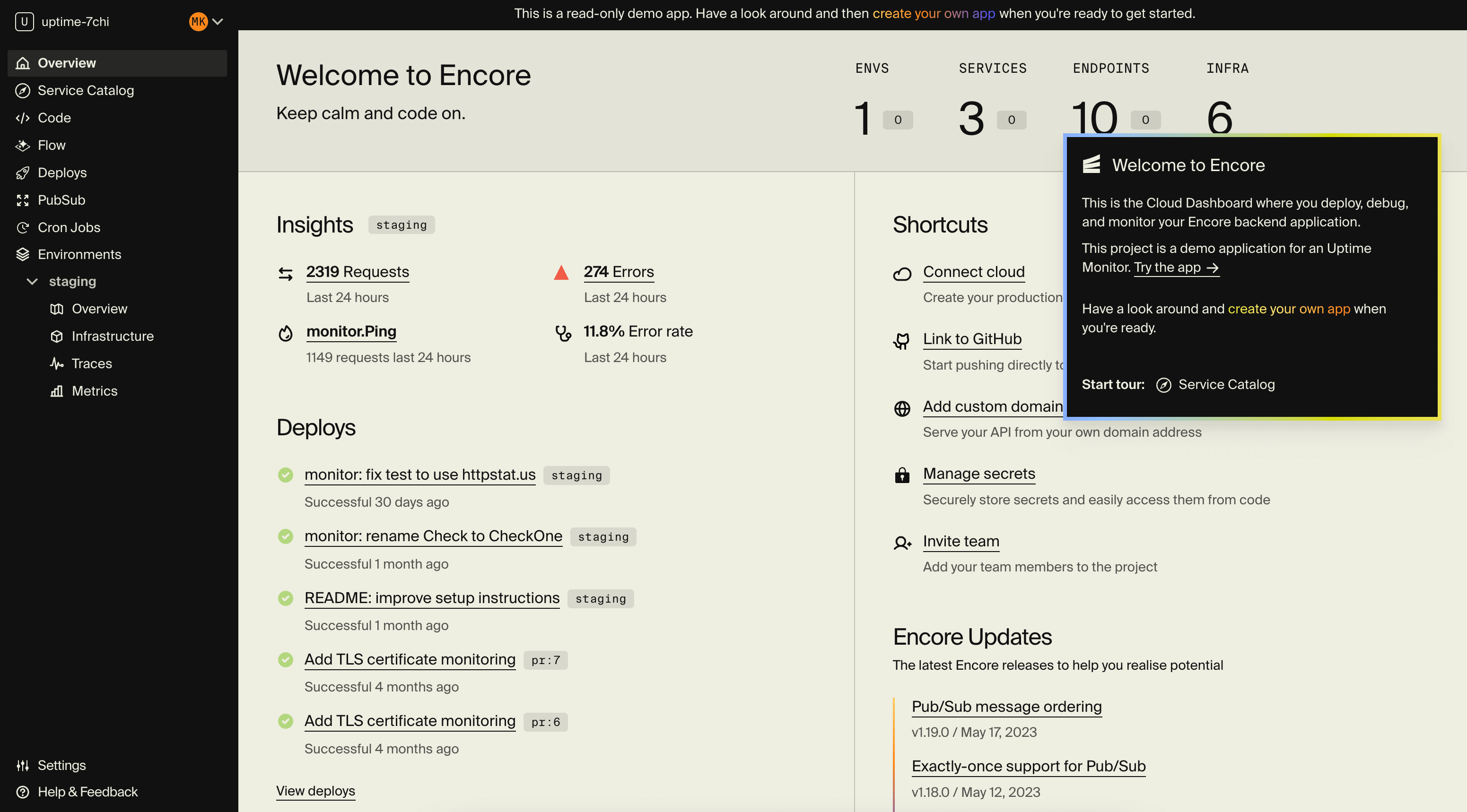
the Encore platform is a modern alternative, aimed at teams looking for a more developer-centric and cohesive approach to infrastructure management. It works by providing an open source Backend Framework that lets developers declare infrastructure as part of the application code, in a cloud-agnostic way. This avoids many of the drawbacks of Terraform, by keeping both application code and infrastructure declarations in one code base and one programming language.
Benefits & Key Features
- Cross-cloud Support: Encore makes applications cloud-portable by default, and lets you deploy your application to both AWS and GCP without any code changes.
- Preview Environments: Encore provides automated Preview Environments for each Pull Request, making it simple to validate changes with faster feedback loops.
- Developer Experience: Encore focuses on simplifying development by removing boilerplate and unlike Terraform does not require you to manually write infrastructure configuration in a proprietary language.
- Built-in Distributed Tracing: Applications built with Encore are automatically instrumented with distributed tracing and key performance metrics, aiding in debugging and performance monitoring.
Limitations
- Language specific: With Encore your application code and infrastructure declarations are all in the same programming language. The drawback is that not all programming languages are supported yet. Currently Encore supports Go and TypeScript, with Python support coming soon. See the docs for the latest information.
Suitable For
Teams that want to concentrate on developing their application and prefer not to spend time on complex DevOps processes and manual setup of their infrastructure.
When to consider Encore
- Your application is built using a supported programming language like Go and TypeScript.
- You want to improve developer productivity through automation.
- You want access to modern development tools like infrastructure automation, Preview Environments, and distributed tracing.
- You want to avoid cloud vendor lock-in.
Try Encore
- Sign up here to take Encore for a spin.
- See this guide for advice on how you can best evaluate Encore depending on your situation and priorities.
Windows: iwr https://encore.dev/install.ps1 | iex
Linux: curl -L https://encore.dev/install.sh | bash
Deploy to your cloud on AWS and Google Cloud
without managing infrastructure
Encore lets developers and agents define application infrastructure directly in code, then automatically provisions it from local development to production in your AWS or GCP account.
