Bring Your Own Cloud (BYOC): How It Works
How BYOC compares with hosted SaaS on ease of use, security, cost, and control of your cloud account.


Bring your own cloud (BYOC) lets you use a software platform while running its workloads in your own cloud account. The vendor can still handle installation, updates, and deployments, but the compute, databases, and storage sit in an AWS, GCP, or Azure account your organization controls.
Teams often choose BYOC because they need to keep data in their own account or connect the software to internal systems. They still want the vendor to handle deployment and maintenance. How well that works depends on what the platform manages, the access it needs, and how much of the cloud operation stays with your team.
What is the difference between BYOC and SaaS?
With a conventional hosted SaaS product, the vendor runs the application in its own cloud account. You sign in and use the software without choosing servers or managing its database. Your subscription pays for the product and the infrastructure behind it.
BYOC changes where some or all of that application runs. The vendor deploys it into your account and receives permission to manage the resources it needs. You pay the cloud provider for those resources, alongside the vendor's software fees.
The two terms aren't mutually exclusive. A vendor can sell a managed subscription service with a BYOC deployment option. In practice, a BYOC-versus-SaaS comparison usually means comparing a deployment in your account with one hosted by the vendor.
BYOC also differs from self-hosting. Downloading software and running it yourself usually leaves installation, upgrades, and recovery to your team. A managed BYOC product can take care of those tasks even though the infrastructure belongs to you.
How does BYOC work?
A common design puts the product's management tools in the vendor's account and the workloads that process your data in yours. These are often called the control plane and data plane.
The control plane might provide the dashboard, deployment settings, and software updates. The data plane contains the running services and their storage. For example, an analytics platform could keep its dashboard with the vendor while running query workers and a database in your account.
To install and manage those resources, the vendor typically uses an AWS IAM role or a GCP service identity that you authorize. Its permissions determine which resources it can create or change. The services running in your account have their own permissions to access the databases, buckets, or queues they use.
The vendor's control plane may collect logs, usage metrics, or diagnostic information from the deployment. Data-residency requirements therefore apply to that information as well as the application's database and storage.
Is BYOC easier to use than SaaS?
For getting started, vendor-hosted SaaS usually asks less of you. You can often create an account and start using the product without involving anyone who manages cloud infrastructure. BYOC requires a cloud account, access permissions, and sometimes networking changes before the first deployment.
A managed BYOC service can then deploy updates, provision resources, and provide logs through a dashboard much like a hosted product. The level of management varies: some vendors also maintain the clusters and databases, while others expect your team to operate them.
Connecting to existing systems can be simpler when the product supports deployment into your private network. It can access an internal database over that network, avoiding the need to transfer data to a separate hosted service.
How Encore makes deployment to your cloud simpler
With Encore, you can push code and let the platform handle provisioning and deployment, much as you would with a hosted service. Your backend and its infrastructure run in your own AWS or GCP account. You declare the services and resources the application needs in code, and the platform creates and connects the corresponding cloud resources.
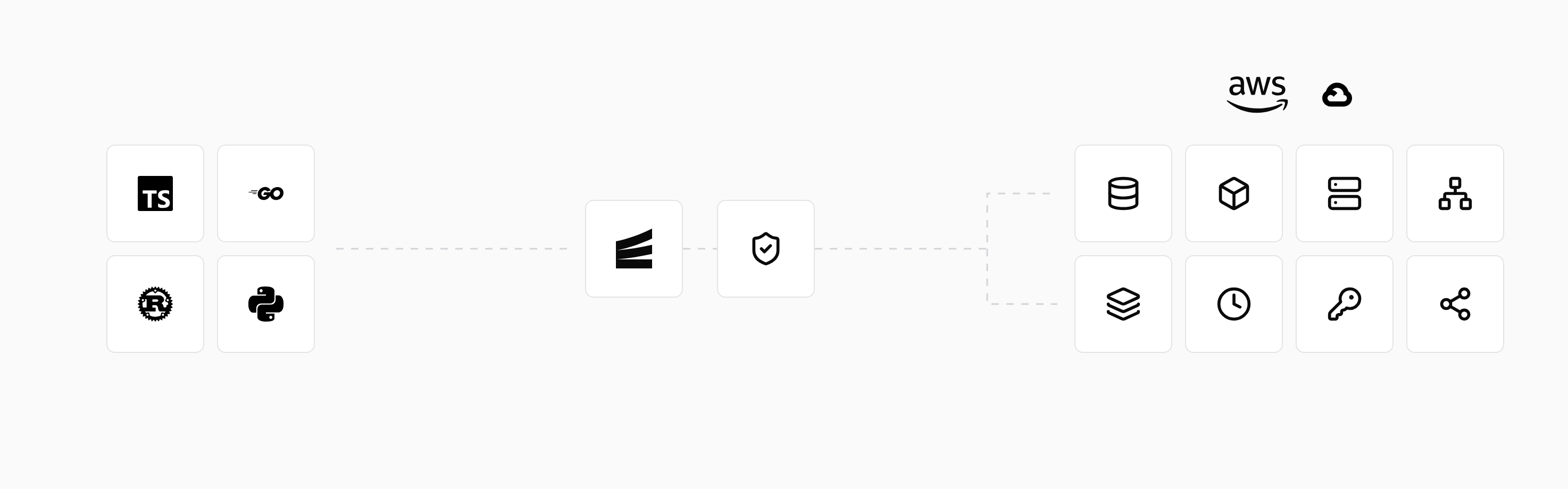
For example, a database declared with the Infra SDK runs as Postgres locally and becomes a managed RDS or Cloud SQL database when deployed. Services that use it receive the connection configuration and permissions they need. Your team can work on the application without separately writing all the infrastructure configuration around that database.
The same declarations also support local development: encore run starts the application and local versions of its declared resources. You can develop and test before deploying changes to the cloud, using the same application code.
Connecting the cloud account is still part of the initial setup. The cloud connection guide explains the AWS role or GCP identity used by the platform and how access can be scoped. Once connected, the managed platform handles infrastructure provisioning and deployments from your repository.
Is BYOC more secure than SaaS?
BYOC gives your organization more control over the environment running the software. That can help when you need data in a particular region, private access to internal systems, or cloud audit logs available to your security team. You can apply your account's policies to the deployed resources instead of relying entirely on controls exposed in the vendor's dashboard.
Security depends on how the software is configured and maintained in either environment. In a BYOC deployment, your account policies and the permissions granted to the vendor become part of that setup. The vendor may manage the application while your team controls network access and other account settings.
The vendor's access determines what it can do inside your account, including whether it can read application data or only manage infrastructure. Support staff may have additional access for troubleshooting. Logs sent back to the vendor can contain customer data too, even when the database stays in your account.
The cloud provider, vendor, and your team share the maintenance work. AWS's shared responsibility model explains which parts AWS secures. The BYOC service then determines who handles the software's updates, access configuration, and backups in your account.
Is BYOC more cost-effective?
It can be, but the cloud bill is only part of the price. A BYOC deployment typically has three costs: the vendor's fee, the cloud resources it uses, and your team's time spent operating it.
Paying the cloud provider directly can let you use negotiated rates or existing spending commitments, where your agreement allows it. The resources appear in your own billing tools, so your team can see their usage and cost. Resource sizing may be managed by the vendor or configurable by your team.
Keeping a workload near its data may reduce data-transfer costs. For example, software that processes a large dataset in the same cloud region may avoid transfers to a vendor-hosted region. The actual savings depend on the network path and the cloud provider's charges; traffic inside one account isn't automatically free.
A dedicated deployment has its own running costs, including any database instances kept available between requests. A hosted service can share some infrastructure across customers. For a lightly used application, those shared costs can make hosting cheaper than a separate deployment.
To compare the total cost, include the infrastructure needed for your workload, the vendor's fee, and any maintenance your team takes on. Backups, high availability, and support also need to be included on both sides of the comparison.
What happens if you stop using the vendor?
Keeping resources in your account can make a later move easier. Your team already has access to the infrastructure and may be able to export data directly from its database or storage. Whether the application itself keeps working depends on its license and its reliance on the vendor's control plane.
Encore's deployed applications have no runtime dependency on its cloud platform. Teams can also build Docker images with its open source tools and manage deployments themselves. Taking over deployment still means taking responsibility for the pipeline and infrastructure management the platform previously handled.
Run in your terminal to get started locally.
Related guides
Frequently asked questions
Is BYOC the same as self-hosting?
No. A managed BYOC vendor can install, update, and operate software in your account. With self-hosting, your team usually takes responsibility for more of that work.
Deploy to your cloud on AWS and Google Cloud
without managing infrastructure
Encore lets developers and agents define application infrastructure directly in code, then automatically provisions it from local development to production in your AWS or GCP account.
