The Best Heroku Alternatives in 2026
Where to move your application when you've outgrown Heroku.


Heroku made deploying an application easier by handling the infrastructure behind it. In February 2026, the company announced a move to a maintenance-focused “sustaining engineering” model. Existing applications remain supported, but development now focuses on keeping the platform stable and secure rather than introducing new features.
If you're considering a move, you may still want the simplicity that brought you to Heroku. You might also be looking to lower your hosting bill, use a cloud service that isn't available through an add-on, or run the backend in your own AWS or GCP account. There are alternatives for each of those needs, though moving an existing application takes more than finding somewhere else to deploy the code.
Heroku alternatives at a glance
Render
Render deploys applications from a connected repository or container image and provides managed PostgreSQL. Its service types have direct counterparts to much of a Heroku application: a web dyno becomes a web service, a worker dyno becomes a background worker, and scheduled tasks can run as cron jobs.
For an app with web and worker entries in its Procfile, you create two Render services from the same repository. Each gets its own start command and can be scaled separately. A release-phase command, such as a database migration, can become a pre-deploy command.
Configuration moves from Heroku config vars to environment variables on the services. You can also keep service definitions in a Blueprint file in the repository. The application can retain its framework and process commands, while deployment settings and database connections move to Render.
Encore
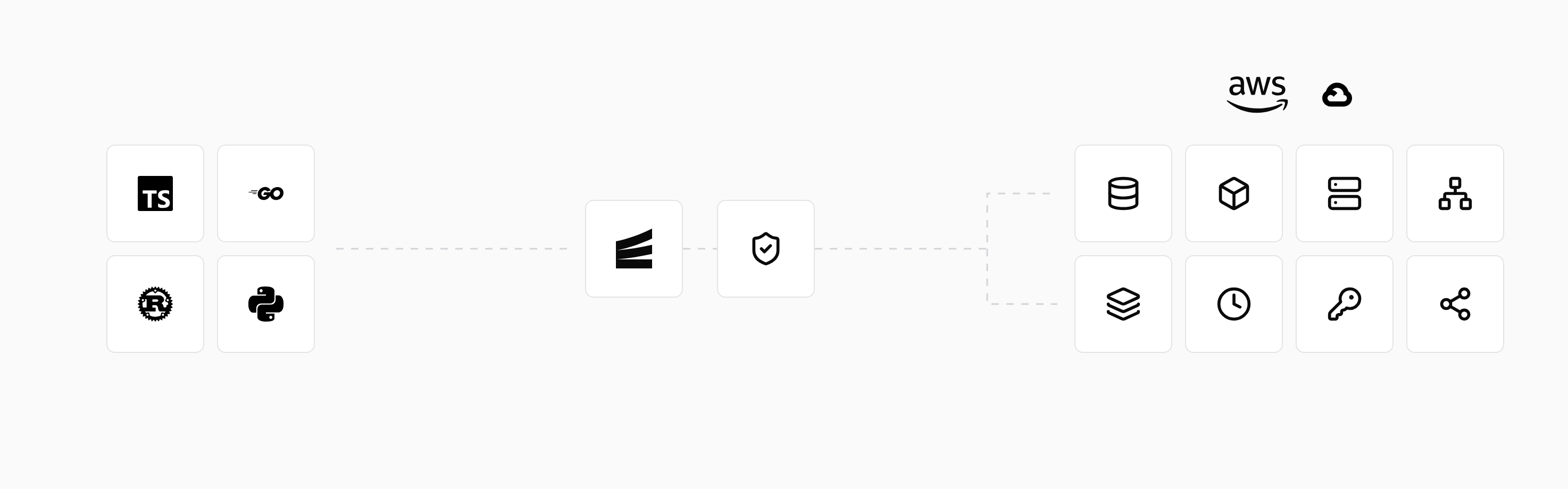
With Encore, you can keep a simple push-to-deploy workflow and run the backend in your own AWS or GCP account. Once the application and deployment branch are configured, a push starts the build, tests, infrastructure provisioning, and release.
You declare services and resources in application code, so the platform knows what to provision for each deployment. A database declaration, for example, creates the database and supplies the service with access to it. Adding that database does not require setting it up separately in the cloud console.
You can move an existing application gradually, keeping its business logic while adopting Encore's SDK for the services and resources you migrate. Background work can use Pub/Sub subscriptions, and scheduled tasks can use cron jobs. The Heroku migration guide explains how to move each part of the application.
That changes how you add infrastructure after the move. Adding a topic for a new job happens in the code that publishes and handles the event. Encore supplies local resources for development, then provisions the cloud messaging service and access permissions on deployment.
import { SQLDatabase } from "encore.dev/storage/sqldb";

const db = new SQLDatabase("todo", {
  migrations: "./migrations",
});
 Amazon RDS
 Cloud SQL
Managed PostgreSQL with migrations, pooling and IAM auth
Application resources and their AWS and GCP equivalents.
The setup includes connecting your cloud account and configuring the deployment environment. You can move one service first and connect it to the application still running on Heroku. Existing database contents and uploaded files need to be transferred as part of that migration; declaring a resource creates the target rather than importing its data.
Run in your terminal to get started locally.
Railway
Railway organizes an application as a project containing services. Your web process, background worker, and PostgreSQL database can appear together in that project, with variables connecting the services to their dependencies.
For example, a Rails app and a Sidekiq worker can deploy from the same repository with different start commands. A pre-deploy command runs the database migration before the new version starts.
Railway can build source with Railpack or use a Dockerfile. Its PostgreSQL template deploys a database service and exposes connection variables for the application. When transferring Heroku data, you restore it into that database and update the application's connection settings. Backups and database version upgrades need to be configured for the new deployment.
Fly.io
Fly.io runs applications on Machines, with configuration in a fly.toml file. You choose where those Machines run and how HTTP traffic reaches them. This gives you control over the location of the application, which can matter when users are spread across regions.
Heroku's web and worker commands can become process groups in the same Fly application. The HTTP service routes requests to the web group, while the worker runs without a public HTTP endpoint. A release_command handles a command that needs to run during deployment, such as a schema migration.
Moving a web process closer to users does not move the database with it: a request that queries a distant database still makes that network trip. Choose application and database locations together.
DigitalOcean App Platform
DigitalOcean App Platform builds applications from repositories or deploys container images. An application can contain a public web service, a background worker, and jobs that run at specific points in a deployment.
An existing Heroku Procfile provides the commands for those components. The web command becomes the service's run command, the worker command starts a Worker component, and the release command can run as a PRE_DEPLOY job. A failed pre-deploy job blocks the deployment. These components can be described in an app spec file alongside the repository.
PostgreSQL can run through DigitalOcean Managed Databases, with its connection settings supplied to the application. The application remains on DigitalOcean, so this moves hosting providers rather than placing it in your AWS or GCP account.
Coolify
Coolify provides a dashboard for deploying applications and databases on servers you control. You connect a server over SSH, then deploy from a repository, Dockerfile, image, or Compose file. Coolify coordinates the build and starts Docker containers on that server, with domain and HTTPS configuration for public services.
An application with a web process and worker can describe both in Compose. Databases can run on the connected servers or remain with an external provider. This gives you a way to move the application onto a rented VM or your own hardware while retaining a deployment interface.
You can host Coolify yourself or use its hosted control plane. In either case, the application servers are yours to supply and maintain. A PostgreSQL container on your server also needs persistent storage and a tested backup procedure; moving from Heroku Postgres transfers that responsibility to you.
Dokku
Dokku runs a small application platform on a server, with deployment through Git push. After creating an application and adding the server as a Git remote, you push the code to build and deploy it. It supports Heroku-style buildpacks as well as Docker-based deployment.
Databases are added through plugins. The PostgreSQL plugin creates a database service and links it to the application through DATABASE_URL. Dokku also supports process scaling, so the web and worker commands can run as separate containers.
The default setup runs on one server. If that machine becomes unavailable, the applications and databases on it are affected together. You operate the host and decide how to back up data or run the database elsewhere. The Git workflow will feel familiar, but server operation becomes part of running the application.
Moving an existing Heroku application
A typical app might have a web process, a job worker, and a PostgreSQL add-on. The web process is often the easiest part to move: build the application on the new platform, supply its configuration, and verify it through a temporary URL. The database and pending jobs need a coordinated switch because they continue to change while the old application is running.
Transfer the database
Restore a copy of the Heroku database into the destination before cutover. This lets you test queries, migrations, and required extensions against the target PostgreSQL version without affecting the live application.
The final transfer needs a way to account for writes made after that copy. For a small database, a maintenance window with a final export and restore may be sufficient. A larger or busier application may need replication and a shorter write pause. Once the new application accepts writes, returning to the old database requires reconciling those changes; pointing DNS back does not transfer them.
Move workers and scheduled jobs
If both deployments consume from the same queue, coordinate when the old workers stop and the new ones start. Let in-flight work finish or return to the queue according to the job system's behavior. Retries should not repeat an irreversible action such as sending a payment twice.
Scheduled jobs also need a handover time. Leaving the old scheduler active after enabling the new one can run the same task twice, even when the web traffic has already moved.
Keep access to files and external services
Uploads stored in an external bucket may be able to stay there, provided the new application has access. If you move them, existing database references must still resolve to the right files.
Treat other add-ons individually. An email provider may only need new credentials or an updated billing arrangement. A logging service may need a different integration. Verify that each provider permits access from the new environment before removing its Heroku attachment.
After switching traffic, exercise a real application flow: submit a request, confirm the database change, and check that the resulting job completes. Keep the old deployment available until the new service is working and any remaining background work has been accounted for.
Related guides
Frequently asked questions
What is the best alternative to Heroku?
The choice depends on why you're moving. Render and Railway offer managed hosting with repository-based deployments. Encore provisions backend infrastructure in your AWS or GCP account. Fly.io runs applications on configurable Machines, while Coolify and Dokku deploy to servers you provide. DigitalOcean App Platform combines managed application hosting with DigitalOcean services.
Can I keep my existing application when moving from Heroku?
Many platforms can build and run the same application from its repository or a container image. You still need to configure its processes, environment variables, and dependencies on the new platform. Moving to Encore also involves declaring services and resources through its SDK; its migration guide explains how to move an existing application incrementally.
Can I self-host a Heroku-like platform?
Yes. Coolify provides a dashboard for deploying applications and databases to your servers. Dokku provides a command-line workflow with Git-push deployments. In both cases, you operate the servers and are responsible for their updates and data recovery.
How can I deploy a backend to my own cloud account without configuring every resource separately?
Encore reads services and infrastructure declared in application code and provisions their cloud equivalents in your AWS or GCP account. The deployment includes service connections and permissions for the declared resources.
Deploy to your cloud on AWS and Google Cloud
without managing infrastructure
Encore lets developers and agents define application infrastructure directly in code, then automatically provisions it from local development to production in your AWS or GCP account.
