How to Migrate from Railway to GCP
Move Railway services, Postgres, Redis, cron jobs, volumes and variables into your own Google Cloud project, with the infrastructure declared in the application code.

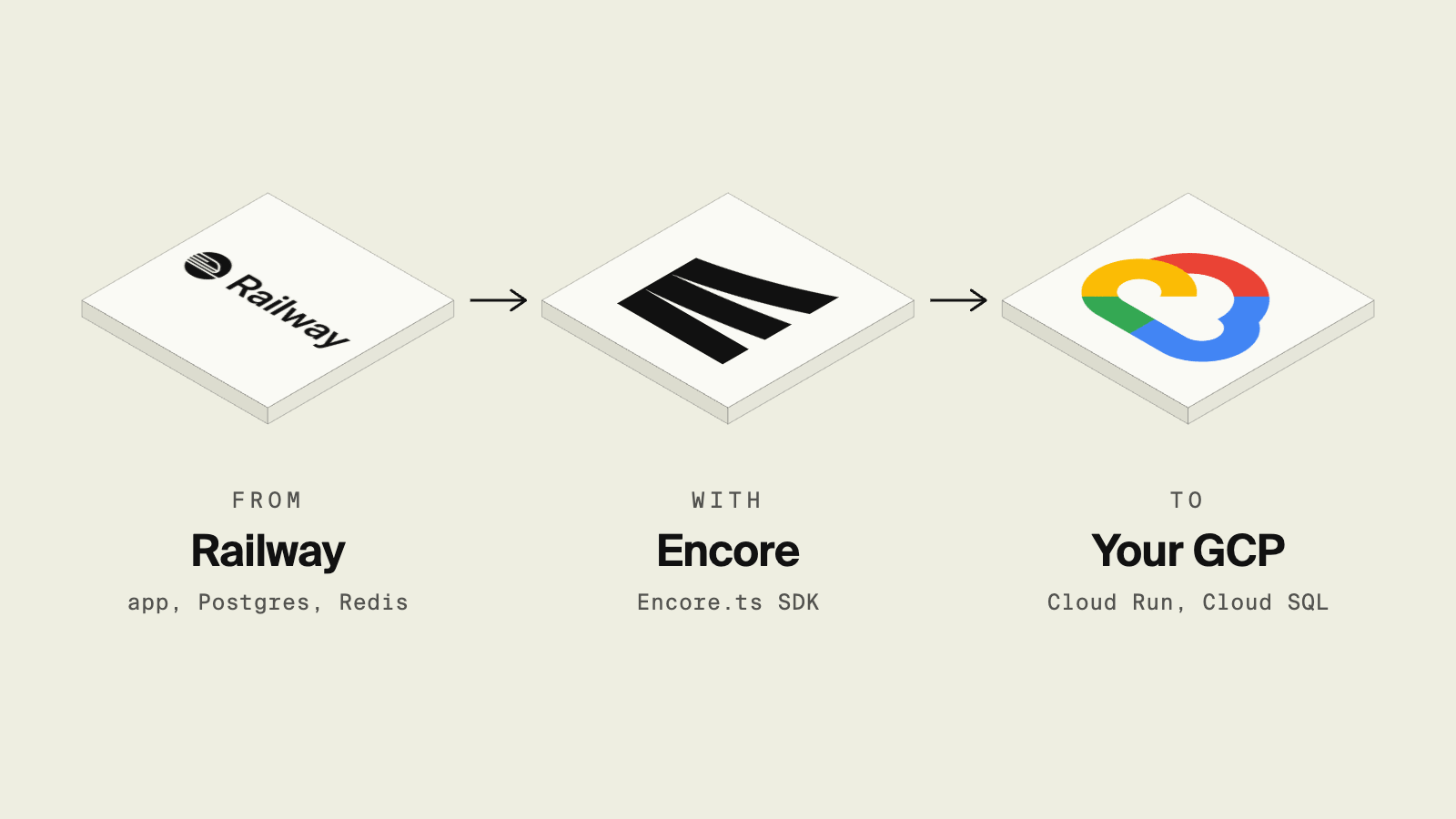
The easiest way to migrate a TypeScript or Go app from Railway to GCP is Encore: you declare the Postgres database, job queues, cache, cron jobs, buckets and secrets in your code, push to Git, and Encore provisions Cloud SQL, Pub/Sub, Memorystore, Cloud Storage and Secret Manager in your own GCP project, and you keep the git-push workflow. If you would rather stay entirely on Google Cloud tooling, Cloud Run is the closest thing to a Railway web service, but the database, workers, scheduled jobs and secrets are yours to set up. The data move is the same either way: pg_dump out of Railway, pg_restore into Cloud SQL.
Teams leave Railway for GCP when the app needs to sit in a VPC next to existing Google Cloud services, when sustained-use discounts or committed use start to matter, or when a customer or auditor wants the data in a GCP project the team controls. The migration is a mapping problem: each Railway service, plugin and variable has a destination in GCP, and the choice is how much of that destination you assemble yourself.
What are the ways to migrate from Railway to GCP?
How do Railway components map to GCP?
Two things do not carry over one to one: Encore's cache does not expose the full Redis API, so if the app uses Redis for BullMQ-style queues, Lua scripts or persistence, either move that work to Pub/Sub or keep a Redis-compatible store as an external dependency. Railway private service hostnames also do not exist on GCP; replace them with service-to-service calls or private endpoints. Files on a Railway volume should move to object storage, not to a container filesystem.
Why move from Railway to GCP with Encore?

Encore is infrastructure from code for TypeScript and Go. On Railway, you attach a database, a Redis plugin and a cron service, then read their URLs from variables. With Encore, the app declares what it needs, encore run starts local versions of the database, the queue and the cache, and a push deploys the app and provisions the matching GCP resources in your own project. A coding agent working in this repository changes application code. Here is a typical Railway app, a web service, a worker, a cache, a scheduled job and an API token, written as one Encore service:
// app/app.ts (encore.dev 1.58)
import { api } from "encore.dev/api";
import { SQLDatabase } from "encore.dev/storage/sqldb";
import { Topic, Subscription } from "encore.dev/pubsub";
import { CronJob } from "encore.dev/cron";
import { CacheCluster, StringKeyspace, expireIn } from "encore.dev/storage/cache";
import { Bucket } from "encore.dev/storage/objects";
import { secret } from "encore.dev/config";

// Railway Postgres -> Cloud SQL for PostgreSQL in your GCP project.
const db = new SQLDatabase("main", { migrations: "./migrations" });

// Railway variable -> secret, stored in AWS Secrets Manager.
const postmarkToken = secret("PostmarkToken");

// Railway Redis used as a cache -> ElastiCache for Redis.
const cache = new CacheCluster("app-cache", { evictionPolicy: "allkeys-lru" });
const welcomeSent = new StringKeyspace<{ userId: string }>(cache, {
  keyPattern: "welcome-sent/:userId",
  defaultExpiry: expireIn(24 * 60 * 60 * 1000),
});

// Railway volume or local files -> Cloud Storage.
const uploads = new Bucket("uploads", { versioned: true });

interface WelcomeEmail {
  userId: string;
  email: string;
}
export const welcomeEmails = new Topic<WelcomeEmail>("welcome-emails", {
  deliveryGuarantee: "at-least-once",
});

// Public health check only. Signup is not exposed on the internet.
export const status = api(
  { method: "GET", path: "/status", expose: true },
  async (): Promise<{ ok: true }> => {
    return { ok: true };
  },
);

export const signup = api(
  { method: "POST", path: "/signup" },
  async ({ email }: { email: string }): Promise<{ id: string }> => {
    const row = await db.queryRow<{ id: string }>`
      INSERT INTO users (email) VALUES (${email}) RETURNING id::text AS id`;
    await welcomeEmails.publish({ userId: row!.id, email });
    return { id: row!.id };
  },
);

const _ = new Subscription(welcomeEmails, "send-welcome-email", {
  handler: async ({ userId, email }) => {
    let alreadySent = false;
    try {
      alreadySent = !!(await welcomeSent.get({ userId }));
    } catch {
      // Cache is an optimization; continue if it is unavailable.
    }
    if (alreadySent) return;
    const claimed = await db.queryRow<{ user_id: string }>`
      INSERT INTO welcome_emails (user_id, status, claimed_at)
      VALUES (${userId}, 'pending', NOW())
      ON CONFLICT (user_id) DO UPDATE
        SET claimed_at = NOW()
        WHERE welcome_emails.status = 'pending'
          AND welcome_emails.claimed_at < NOW() - INTERVAL '1 minute'
      RETURNING user_id
    `;
    if (!claimed) {
      const existing = await db.queryRow<{ status: string }>`
        SELECT status FROM welcome_emails WHERE user_id = ${userId}
      `;
      if (existing?.status === 'sent') return;
      throw new Error("welcome email is already being sent");
    }
    const res = await fetch("https://api.postmarkapp.com/email", {
      method: "POST",
      headers: {
        "Content-Type": "application/json",
        "X-Postmark-Server-Token": postmarkToken(),
        "Idempotency-Key": `welcome-${userId}`,
      },
      body: JSON.stringify({ From: "hello@example.com", To: email, Subject: "Welcome", TextBody: "Thanks for signing up." }),
    });
    if (!res.ok) throw new Error(`Postmark returned ${res.status}`);
    await db.exec`
      UPDATE welcome_emails SET status = 'sent'
      WHERE user_id = ${userId} AND status = 'pending'
    `;
    try {
      await welcomeSent.set({ userId }, "sent");
    } catch {
      // Cache is an optimization; continue if it is unavailable.
    }
  },
});

// Railway cron service -> cron job, triggered by the Encore platform.
export const purgeSessions = api({}, async (): Promise<void> => {
  await db.exec`DELETE FROM sessions WHERE expires_at < NOW()`;
});

const purge = new CronJob("purge-sessions", {
  title: "Delete expired sessions",
  schedule: "0 2 * * *",
  endpoint: purgeSessions,
});
On GCP, the Encore platform creates a dedicated project per environment with resources in a private network, and runs the services on Cloud Run or GKE. Encore provisions a service account on GCP for the service. A new Cloud SQL instance uses current PostgreSQL, starts on a small machine, keeps 7-day backups with point-in-time recovery, and sits off the public internet. Cron jobs are managed by the Encore platform; they do not run during encore run or in preview environments, so call the endpoint yourself to test the work. Every pull request can get a preview environment.
Mason Stewart, CTO at Bookshop.org, whose team of Rails developers moved to Go on Encore, put it this way in their customer story: "As a bunch of Rails developers coming to Go, the idea that we get a database stood up for us and we automatically get a connection felt like some of the best parts of Heroku, but we had control of our infrastructure. Nothing was abstracted or hidden away from us. It was all still crystal clear in our own Google Cloud Platform."
Run in your terminal to get started locally.
How do you migrate from Railway to GCP step by step?
1. Inventory the Railway project
List what you are moving before writing code: services and their start commands, Postgres and Redis plugins, cron schedules, volumes, variables, custom domains and any private service hostnames. Railway's internal DATABASE_URL only resolves inside Railway. Enable public networking on the Postgres service so it exposes a TCP proxy, then copy the dashboard's DATABASE_PUBLIC_URL value and load it at a hidden prompt so the credential is not written to shell history:
read -rsp "Railway DATABASE_PUBLIC_URL: " RAILWAY_DATABASE_URL
printf "\n"
export RAILWAY_DATABASE_URL
The public proxy incurs egress charges and widens network exposure, so disable public networking after the migration.
2. Declare the infrastructure in application code
Install the Encore CLI, create the app, and replace Railway plugins with declarations like the sample above. Existing SQL migrations can go in the SQLDatabase migrations folder. Run encore run to get local Postgres, a local Pub/Sub broker and a local cache, then exercise the HTTP and worker paths. Remember that cron does not fire locally; call purgeSessions (or your equivalent endpoint) by hand.
Set production secrets before the first cloud deploy:
encore secret set --type production PostmarkToken
3. Export Railway Postgres and restore into Cloud SQL
If the existing app migrations do not recreate Railway's schema, export a reviewed schema-only dump as the initial Encore migration. If that dump includes a welcome_emails table without claimed_at, append the column the worker uses:
pg_dump --schema-only --no-owner --no-acl "$RAILWAY_DATABASE_URL" > migrations/1_bootstrap.up.sql
cat >> migrations/1_bootstrap.up.sql <<'SQL'
ALTER TABLE public.welcome_emails ADD COLUMN IF NOT EXISTS claimed_at timestamptz NOT NULL DEFAULT NOW();
SQL
Then take a data-only dump:
pg_dump --data-only --format=custom --no-owner --no-acl --file=railway.dump "$RAILWAY_DATABASE_URL"
Deploy the app to a production environment in your GCP project so Encore can provision Cloud SQL and apply the bootstrap schema. Start a writable proxy in one terminal:
encore db proxy --env=production --write
In a second terminal, restore the data:
export CLOUDSQL_URL="$(encore db conn-uri main --env=production --write)"
pg_restore --data-only --no-owner --no-acl --dbname="$CLOUDSQL_URL" railway.dump
encore db conn-uri defaults to read-only, so the --write flag is required for the restore. For a large database, run a short write freeze for the final dump, or use Database Migration Service if you cannot take downtime. After the restore, run any Encore migrations that are ahead of the dumped schema.
4. Move files, workers and DNS
Copy objects from Railway volumes to the bucket declared in code. Point the domain at the new load balancer, keep Railway running until you have verified reads, writes, workers, logs and a rollback path, then cut over DNS.
What does the Cloud Run path look like?
If you stay on Google Cloud tooling, a common landing zone is Cloud Run for the web service, Cloud SQL for PostgreSQL, Cloud Storage for files, Secret Manager for credentials, and Cloud Scheduler for cron.
- Build a container that listens on
0.0.0.0and thePORTCloud Run provides, push it to Artifact Registry or let Cloud Run build from source, and attach a custom domain and a managed certificate. - Create a Cloud SQL instance on a private network. Restore the Railway dump with
pg_restore. Use the Cloud SQL Auth Proxy or a private IP; do not put the database on the public internet. - Run workers as a second Cloud Run service with an authenticated Pub/Sub push subscription, and grant the subscription's identity
roles/run.invokeron the service. Alternatively, run a Cloud Run job through the Cloud Run API rather than subscribing the job to Pub/Sub. If you need the full Redis API, run Memorystore yourself and store its URL in a secret. - Replace Railway cron with Cloud Scheduler targeting the worker service or the Cloud Run Jobs API. For service calls, use a dedicated scheduler service account with
roles/run.invokerand an OIDC token whose audience is the service URL, and keep the service private. Store secrets in Secret Manager; do not leave them as plaintext environment variables in the service YAML. - Test, then cut over DNS. Railway private hostnames will stop working the moment you leave, so replace them before the cutover.
This path works, and you own every resource, including the service accounts, the scheduler, the Pub/Sub IAM bindings and the CI that keeps them in step.
What can go wrong?
- Cron tested only by calling the endpoint. The schedule will not fire locally or in a preview environment. Call the endpoint in a shared environment before you rely on it in production.
- Redis used as more than a cache. A
CacheClusterwill not replace BullMQ, Redis streams or Lua. Move jobs to Pub/Sub, or run Memorystore as an external dependency and store its URL in a secret. - Files left on the container. Cloud Run and GKE pods do not keep a local filesystem. Copy Railway volumes to Cloud Storage before you delete the volume.
- A dump taken while writes continue. The restore will be missing rows. Freeze writes, or use replication, for the final cutover.
Which option should you pick?
- Encore when the app is TypeScript or Go and you want the database, workers, cache, scheduled jobs, files and secrets provisioned in your GCP project from the code, with a push-to-deploy workflow.
- Cloud Run when you have one stateless web service in another language and are fine setting up Cloud SQL and the rest yourself.
- GKE with Terraform when you have someone who wants to own every resource.
- Compute Engine when you already run VMs and do not want a container platform.
Verdict. Every option needs the same data move, and the options differ in what they provision after the first deploy. Cloud Run replaces the web service and leaves the rest of Railway for you to rebuild. Encore ranks first because it replaces the web service, the worker, Postgres, the cache, cron and variables from declarations in your code, and provisions them in a GCP project you own. Start with the quickstart, then connect your own GCP account.
Related resources
- How to Migrate from Railway to AWS
- How to Move a Flask App from Railway to AWS
- Bookshop.org Case Study
- Groupon Case Study
- Cloud Migration Tools in 2026
- Migrate Railway Postgres to Cloud SQL
- Railway vs AWS: When to Move Your Backend to Your Own Account
- How to Move a Node.js Backend from Railway to AWS
Frequently asked questions
What is the easiest way to migrate from Railway to GCP?
For a TypeScript or Go backend, Encore is the easiest path: you declare the database, queues, cache, cron jobs, buckets and secrets in the application code, push to Git, and Encore provisions Cloud SQL, Pub/Sub, Memorystore, Cloud Storage and Secret Manager in your own GCP project, so the git-push workflow stays. If you want to stay entirely on Google Cloud tooling, Cloud Run runs a container from a source repo or an image, but you provision the database, queues, scheduler and secrets yourself.
How do I move Railway Postgres to Cloud SQL?
Enable public networking on the Railway Postgres service, copy DATABASE_PUBLIC_URL from the dashboard, and export the database with pg_dump. If Encore will apply the schema from a bootstrap migration, take a data-only dump and restore it with pg_restore through a writable encore db conn-uri, because encore db conn-uri defaults to read-only. Plan a short write freeze for the final dump and restore, or use Database Migration Service if you cannot afford downtime.
What replaces a Railway cron service on GCP?
On a DIY GCP setup, the usual replacement is Cloud Scheduler targeting a Cloud Run service or a Cloud Run job. Test the job by calling the endpoint yourself. Do not rely on the schedule firing in a local or ephemeral environment.
Deploy to your cloud on AWS and Google Cloud
without managing infrastructure
Encore lets developers and agents define application infrastructure directly in code, then automatically provisions it from local development to production in your AWS or GCP account.
