Containers vs Virtual Machines: What's the Difference?
How containers and VMs differ in isolation, resource use, and maintenance.


Containers run applications as isolated processes that share an operating-system kernel. Virtual machines run a guest operating system of their own. Both let you run several workloads on one physical machine, but they package and isolate those workloads differently.
Containers are common in application deployment because an image can carry the application and its dependencies between environments. VMs provide a complete operating system for software that needs one. In production, the two are often used together: a container runs on a host that is itself a virtual machine.
We'll also look at how Encore manages backend deployments in your own AWS or GCP account, including the compute and infrastructure an application needs around its container.
Containers vs virtual machines at a glance
What runs inside a container?
A container image contains the application, runtime, libraries, and files needed to run it. Starting a container creates processes from that image. For a Python application, that could be a Python interpreter running the server code with its installed packages.
On Linux, namespaces give those processes their own views of resources such as process IDs and network interfaces. Cgroups control how resources such as CPU and memory are allocated. The processes still use the host's Linux kernel when they make system calls.
Several containers can therefore use different application runtimes and libraries on the same host. Each has its own filesystem view without needing to boot another operating system. The image must be compatible with the environment's operating system and CPU architecture.
What runs inside a virtual machine?
A hypervisor gives a VM virtual CPUs, memory, disks, and network devices. The VM boots a guest operating system and runs applications inside it, much as a physical machine would. The host can run several guests with their own kernels and configurations.
Software that needs a particular kernel or a complete operating-system installation can run inside a VM configured for it. A hypervisor that supports both can host Linux and Windows guests on the same physical server.
The guest OS uses resources even before the application starts. It also has its own updates and configuration to maintain. Teams can apply those updates to a running VM or build a new image and replace the machine during deployment.
Startup time and performance
A container can start its application process without booting a guest kernel first. A VM needs to start the guest OS and whatever services launch the application. That usually gives containers a startup advantage, although downloading a large image or initializing the application can still take time.
Sharing the kernel also reduces the operating-system memory needed for each workload. This can make a difference when a host runs many small services. The application's own CPU, memory, and I/O requirements still determine much of its running cost.
Once the application is running, performance depends on the work it does and the resources available to it. A database-heavy service can be limited by storage or queries in either environment. Container startup speed doesn't tell you how quickly that service will answer requests.
How isolation works
An ordinary Linux container shares a kernel with the other containers on its host. Its isolation comes from the kernel's process controls and the permissions allowed by the runtime. A vulnerability in that shared kernel can expose other workloads on the machine.
A VM's guest kernel sits behind the hypervisor's virtualization boundary. This gives workloads separate kernels and is one reason VMs are used to separate tenants. The hypervisor and host still need to be maintained, along with each guest OS.
Firecracker microVMs use a smaller virtual machine design for workloads such as serverless functions and sandboxes. Other sandboxed runtimes add isolation around a container workload using different techniques. These let platforms offer a container-style interface with another boundary underneath it.
Running the same application both ways
This small Python development server responds with a JSON status. Save it as app.py:
from http.server import BaseHTTPRequestHandler, HTTPServer

class Handler(BaseHTTPRequestHandler):
    def do_GET(self):
        body = b'{"status":"ok"}'
        self.send_response(200)
        self.send_header("Content-Type", "application/json")
        self.send_header("Content-Length", str(len(body)))
        self.end_headers()
        self.wfile.write(body)

HTTPServer(("0.0.0.0", 8080), Handler).serve_forever()
For the container version, this Dockerfile packages Python and the application in one image:
FROM python:3.13-slim
WORKDIR /app
COPY app.py .
USER 10001
EXPOSE 8080
CMD ["python", "app.py"]
Build and run it from the directory containing both files:
docker build -t example-api .
docker run --rm -p 127.0.0.1:8080:8080 example-api
For the VM version, copy app.py onto a Debian or Ubuntu guest and install Python there:
sudo apt-get update
sudo apt-get install -y python3
python3 app.py
Both respond to curl http://localhost:8080 on the machine running the command. The container supplies Python through its image; the VM uses the interpreter installed in the guest. Updating the container's Python version means rebuilding the image. On the VM, you can update the installed interpreter or replace the VM with a new image.
Why containers often run inside VMs
A cloud deployment can use VMs for its hosts and containers for the applications running on them. The VM provides the guest operating system and its virtualization boundary. The container image gives the application team a package it can build and replace for each release.
This is common with Kubernetes nodes in public clouds and with managed container hosting. Developers work with images and deployment settings while the hosting platform allocates machines underneath them. On a developer's Mac, Docker Desktop also uses a Linux VM to run Linux containers.
Managing the backend with Encore
A deployed backend also needs connections to its databases, queues, and storage. With Encore, developers declare those resources in application code. The platform provisions their cloud equivalents and configures the services that use them in your own AWS or GCP account.
The managed deployment workflow builds and deploys the application alongside the infrastructure changes it needs. Developers can add a resource through the same codebase instead of configuring it separately in the cloud console.
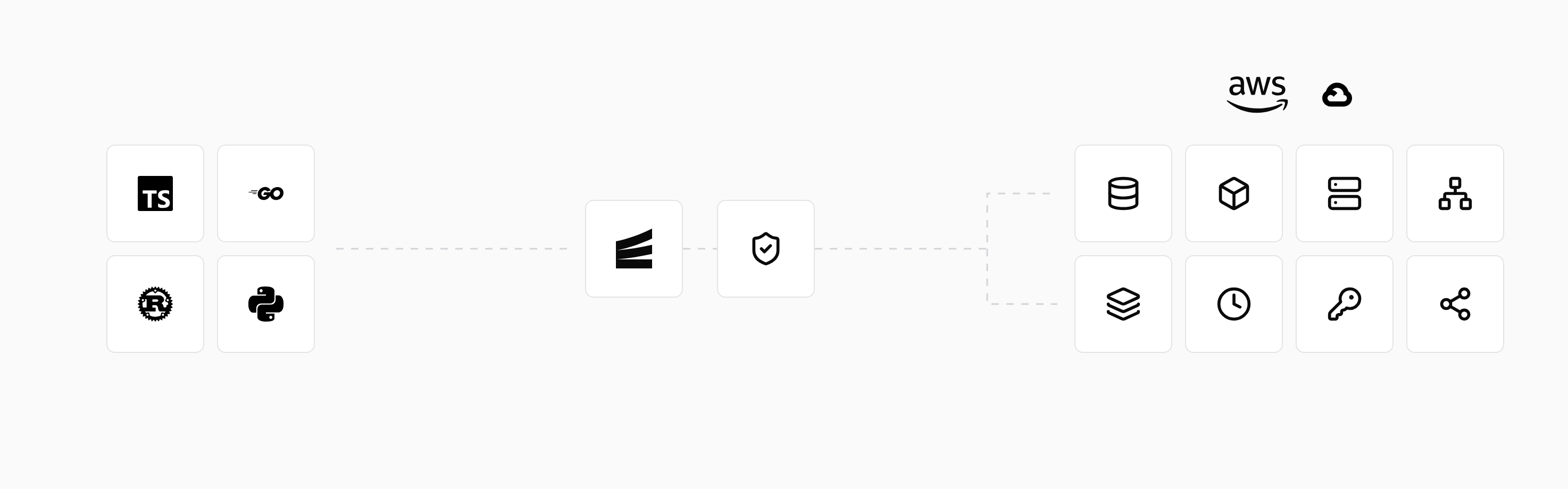
The local development workflow uses the same declarations to start local resources. A declared SQL database runs as Postgres locally and becomes RDS or Cloud SQL when deployed. Logs and tracing let developers inspect requests and database calls as they work on the application.
Run in your terminal to get started locally.
Related guides
Frequently asked questions
What is the difference between an image and a container?
An image is the packaged filesystem and configuration used to create a container. A container is an instance created from that image, with its own process environment and writable filesystem layer.
Deploy to your cloud on AWS and Google Cloud
without managing infrastructure
Encore lets developers and agents define application infrastructure directly in code, then automatically provisions it from local development to production in your AWS or GCP account.
