Secrets Management
Store API keys, database credentials, and sensitive config securely. Encrypted at rest, scoped by environment, and automatically available in your code without .env files.
Secure by default
Define secrets in your code, set values per environment. Encore injects them at runtime without .env files or configuration management.
- ✓Encrypted at rest
- ✓Environment-scoped values
- ✓Type-safe access in code
- ✓Local development overrides
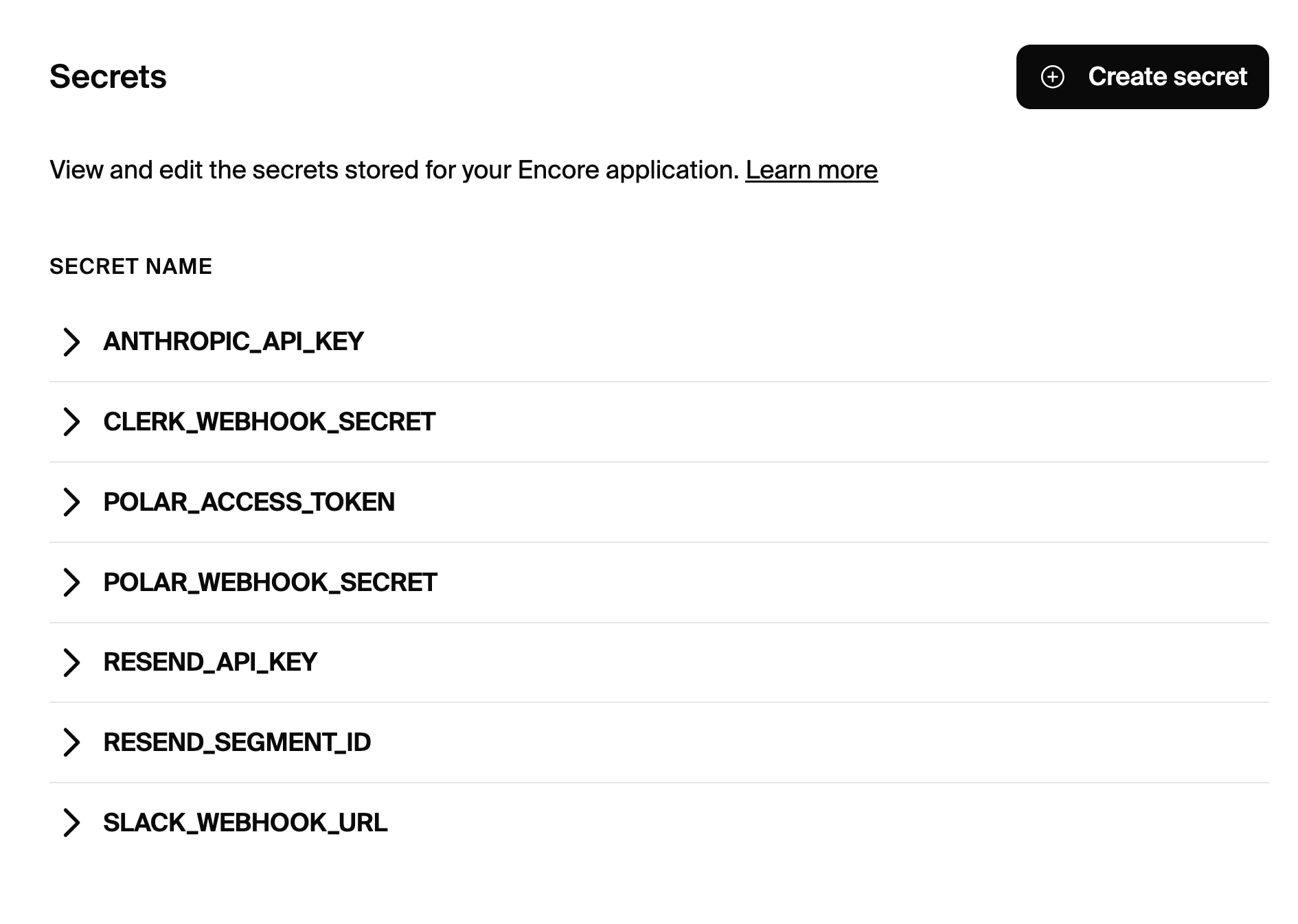
No more .env files
Managing secrets with .env files is error-prone. Files get committed accidentally, different developers have different values, and syncing secrets across environments is manual and risky.
Encore stores secrets securely and injects them at runtime. Define what secrets your code needs, set values per environment in the dashboard, and Encore handles the rest.
- ✓Encrypted at rest with AES-256
- ✓Environment-scoped (dev/staging/prod)
- ✓Version history
import { secret } from "encore.dev/config";

// Declare the secrets your service needs
const secrets = secret<{
  StripeSecretKey: string;
  SendGridAPIKey: string;
}>();

// Use them with full type safety
const stripe = new Stripe(secrets.StripeSecretKey);

// Set values in the dashboard, not in code
// Different values for dev, staging, production
Enterprise-grade security, developer-friendly UX
Encore's secrets management is designed to be secure without being cumbersome. Set secrets once, use them everywhere.
Environment Scoping
Different values for local, development, staging, and production environments
Type Safety
Secrets are typed in code, so you can't use a secret that doesn't exist
Access Control
Role-based access determines who can view or modify secrets
Version History
Track secret changes over time with full history
Dashboard Management
Manage secrets through a secure web interface
Local Override
Override secrets locally for development without affecting other devs
Uses your cloud's secret store
In production, Encore stores secrets in AWS Secrets Manager or GCP Secret Manager, depending on where you deploy. This means your secrets benefit from your cloud provider's security infrastructure.
Secrets are never stored in Encore's infrastructure. They go directly from your browser to your cloud account.
Read the secrets docs →Security guarantees
- ✓End-to-end encryption
- ✓Cloud-native storage (AWS/GCP)
- ✓Environment-scoped access






Stop committing .env files
Secure secrets management, built in.